


Remove Background From Video
Category : BeautyVersion: 1.5.4
Size:72.7 MBOS : Android 5.0+
Developer:HUG APPS
 Download
 Remove video and photo backgrounds, and easily change your video background.
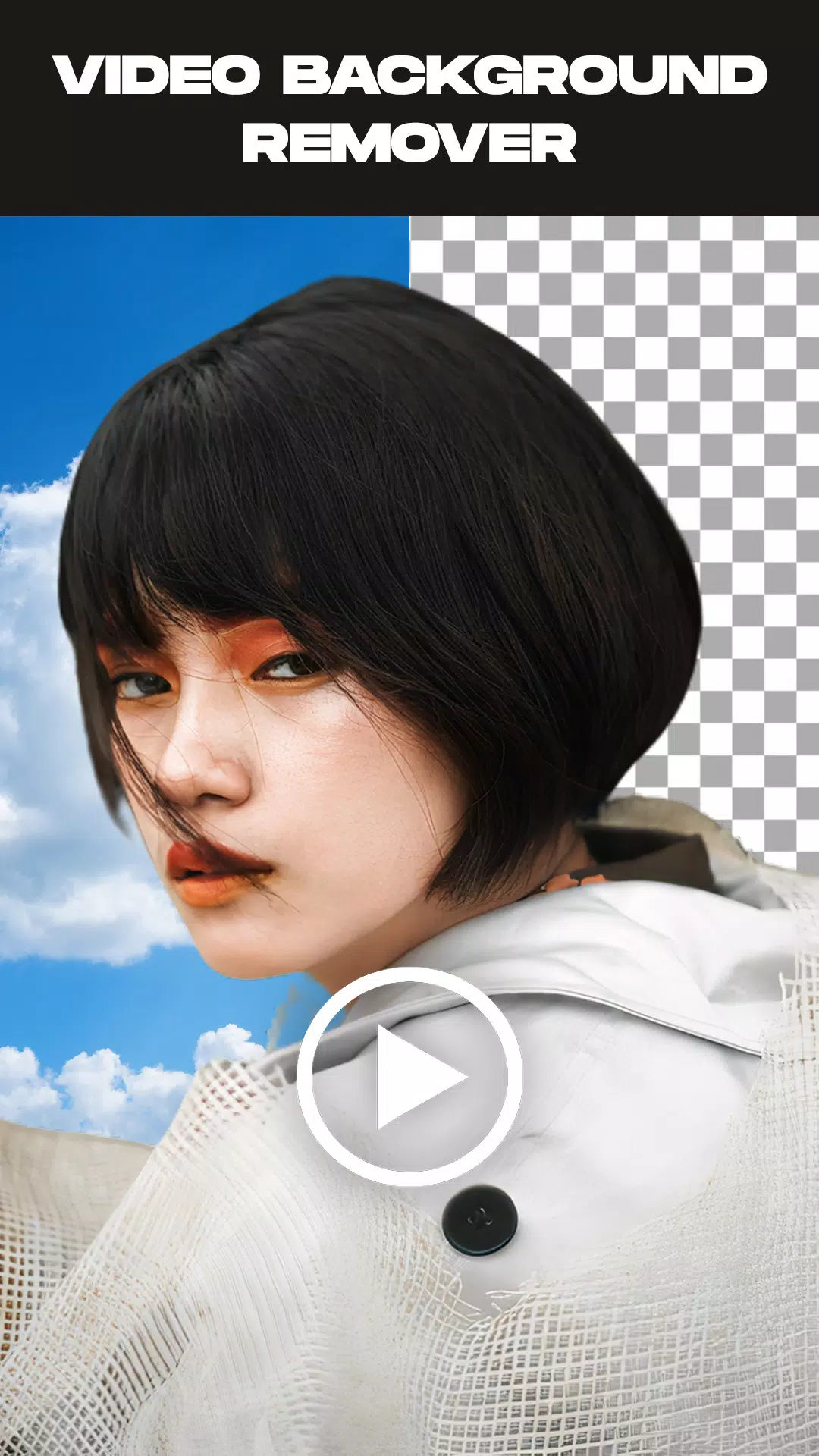
Remove Video Background is the essential tool for effortlessly removing backgrounds from both your videos and photos. This app gives you the power to extract subjects from your videos, captured live or from your gallery, and replace the backdrop with anything you choose. It provides two main functions and includes extra features like removing backgrounds from images or swapping out green screen backgrounds for your favorite scenes.
Remove Video Background is a free video background changer packed with powerful features. You can change your video background to any solid color from a vast palette of thousands, or choose a beautiful gradient. Simply pick your favorite and transform your video's background in an instant.
Beyond colors and gradients, the app allows you to replace your video background with any image from your gallery or even another video. With just one click, your new background is applied seamlessly.
The green screen effect works with both front (selfie) and rear cameras. A single tap switches between them, letting you change the background for videos taken with either camera mode.
The green screen effect is a crowd favorite for making videos more creative and entertaining. But what exactly is it? It's a powerful feature that provides numerous background options to use in your social media videos.
This tool mimics the professional green screens used in superhero movies to create spectacular scenes. It’s wildly popular online. But do you know how to use it to its full potential?
Key Features:
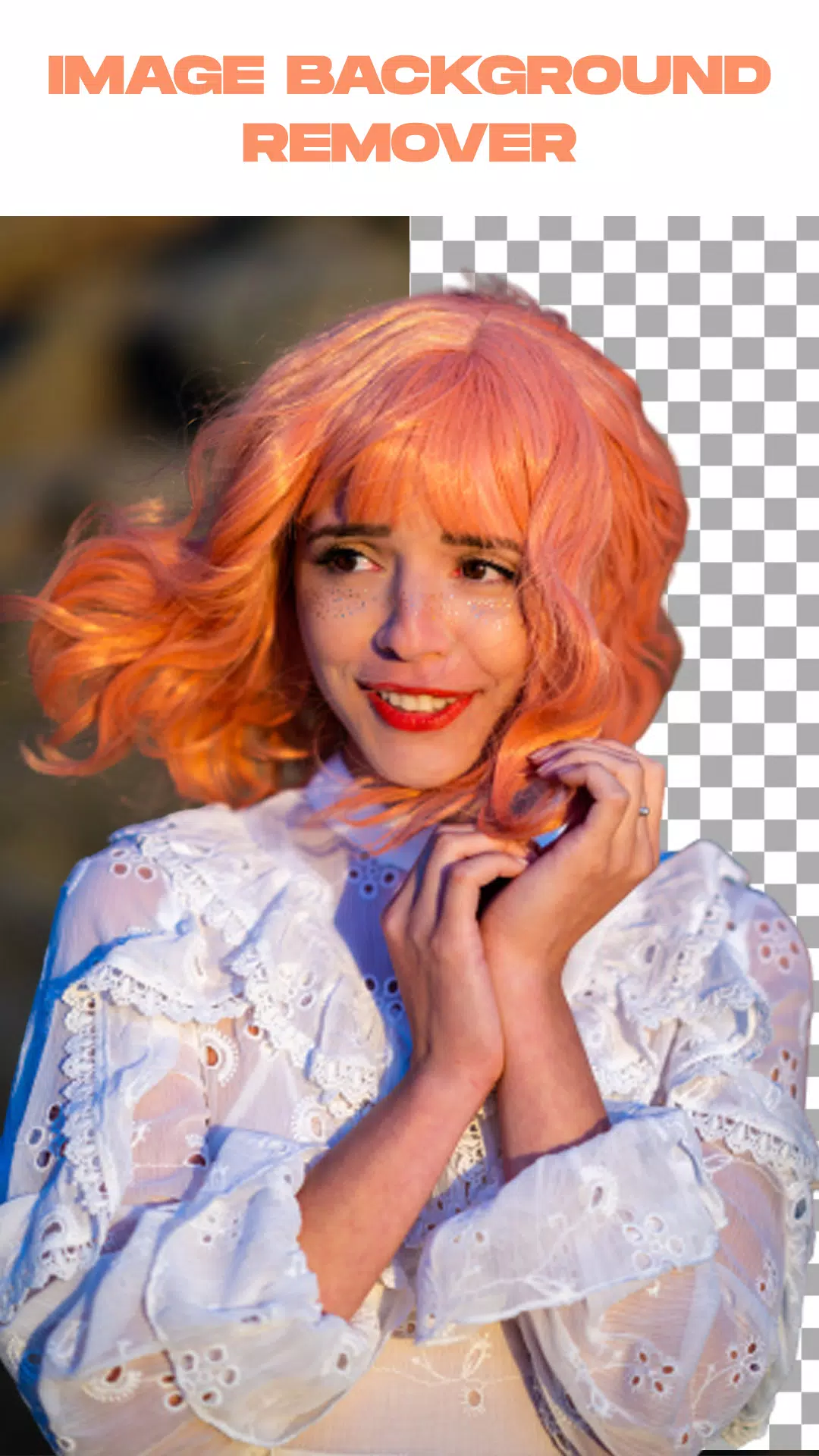
- Remove backgrounds from images automatically with one tap or manually for precise control.
- Trim your video clips before you begin the background removal process.
- Remove the background from videos recorded directly in the app or from videos in your gallery.
- Customize the green screen by changing it to any background you prefer.
How to Use the App:
- Launch the Remove Video Background app.
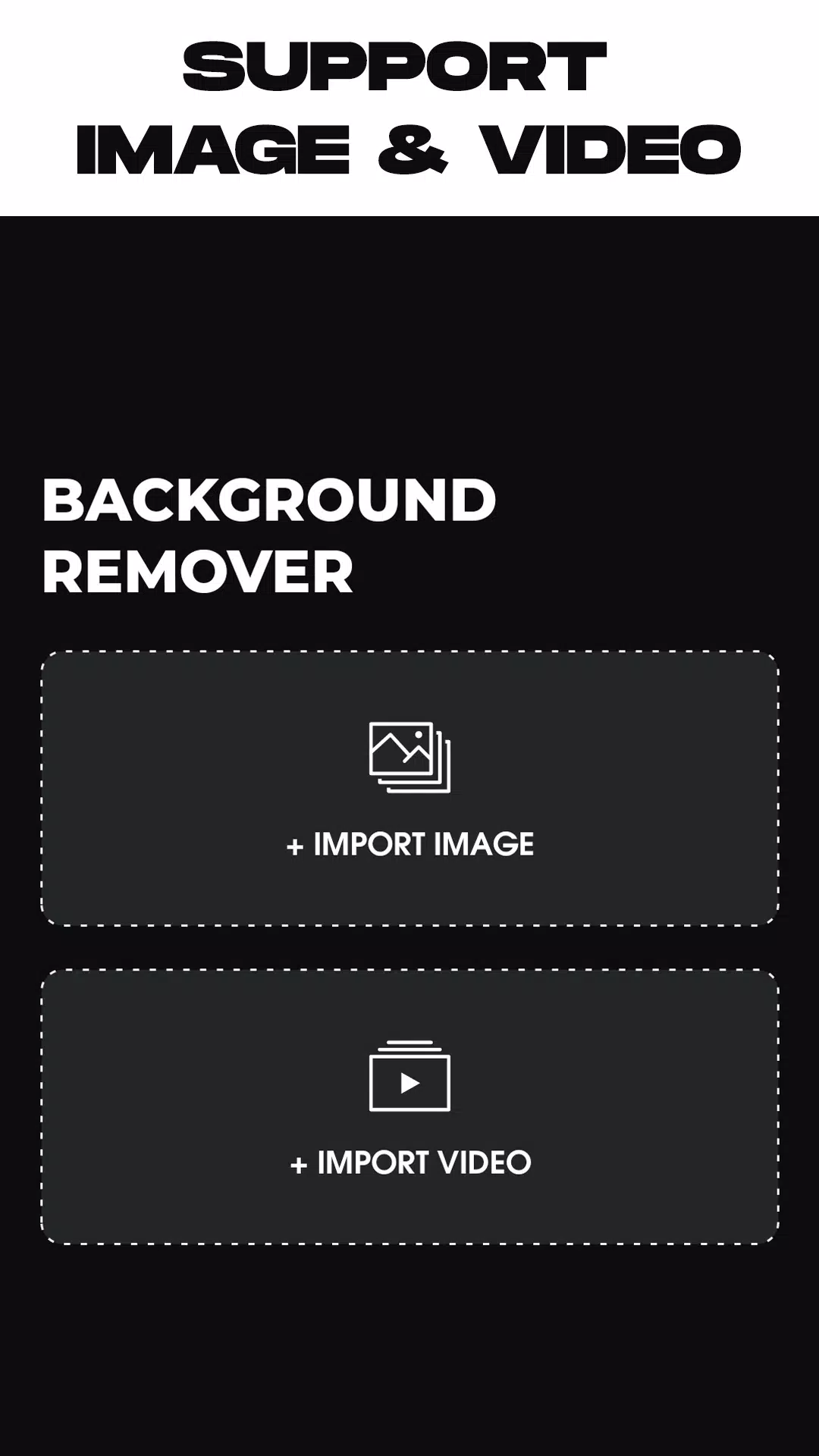
- Select your task: remove a photo background or remove a video background.
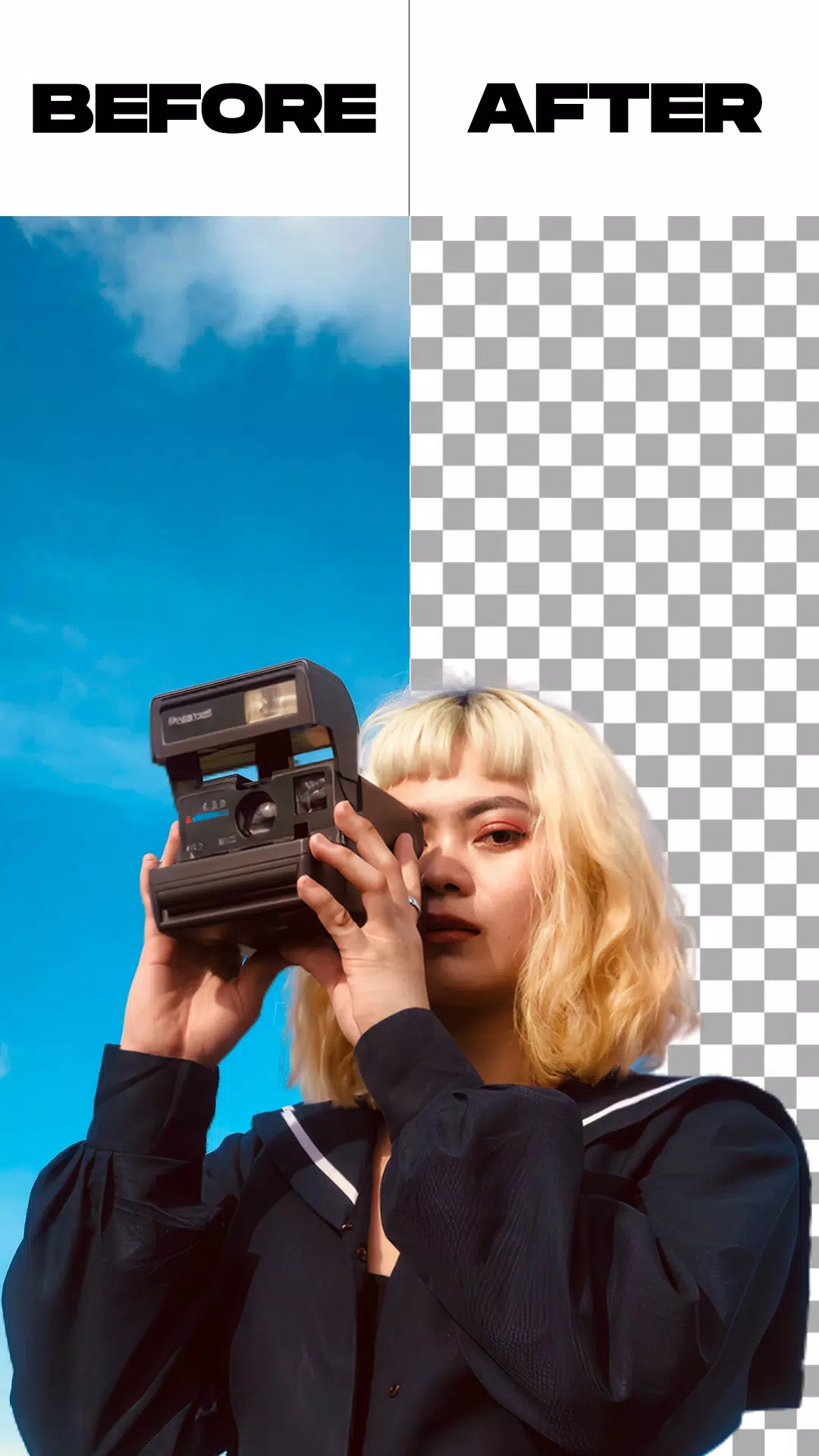
- After choosing your media file, the app automatically processes and removes the background. Just wait for the process to complete.
- Once the background is removed, you can change it to anything you like. Choose from built-in backgrounds or select one from your own gallery—the choice is yours.
- When you're satisfied, tap the export button. The app will save your new video or photo directly to your device's gallery.
What's New in the Latest Version 1.5.4
Last updated on May 26, 2024
* Minor bug fixes and performance improvements.






- Pedro Pascal Calls JK Rowling a 'Heinous Loser' for Anti-Trans Rhetoric 1 weeks ago
- Activision Says It’s Working With Nintendo to Get Call of Duty on Switch, but Will Black Ops 7 Be on Switch 2? 1 weeks ago
- Wuthering Waves: Cantarella's Abilities, Leaks, and Ascension Materials Revealed 1 weeks ago
- Viola Davis Waller Series Still in Development, James Gunn Confirms 1 weeks ago
- Ragnarok X Next Generation Returnee Guide – Full Comeback Roadmap for Returning Players 1 weeks ago
- Dragon Age: Inquisition Servers Shut Down on PS3 This April 28 1 weeks ago
-

Productivity / 2.7.5 / by Dickensheet & Associates, Inc. / 50.40M
Download -

Photography / 1.1.4.0 / by Face play Photo Editor & Maker / 123.69M
Download -

Communication / 2.0.0.24 / 59.72M
Download -

Tools / 1.6.0 / by Country VPN LLC / 67.71M
Download -

Personalization / 3.420.0 / 10.35M
Download -

Communication / 1.0 / 5.29M
Download


-
 Deltarune Chapters 3 & 4: Save Files Compatible with Predecessors
-
 "GTA 6: Ultimate Guide - Release, Gameplay, Story - Feb 2025"
-
 NBA 2K25 Unveils Updates for 2025 Season
-
 Unlock Secret Debugging Tools: Access Balatro's Hidden Cheats
-
 Goat Simulator 3 Unleashes Ultimate Customization with Shadowy Update
-
 Uncharted Waters Origins adds new relationship chronicle with Safiye Sultan in July update