

MyNISSAN®
Category : Auto & VehiclesVersion: 6.1.12
Size:68.0 MBOS : Android 8.1+
Developer:Nissan North America, Inc.
 Download
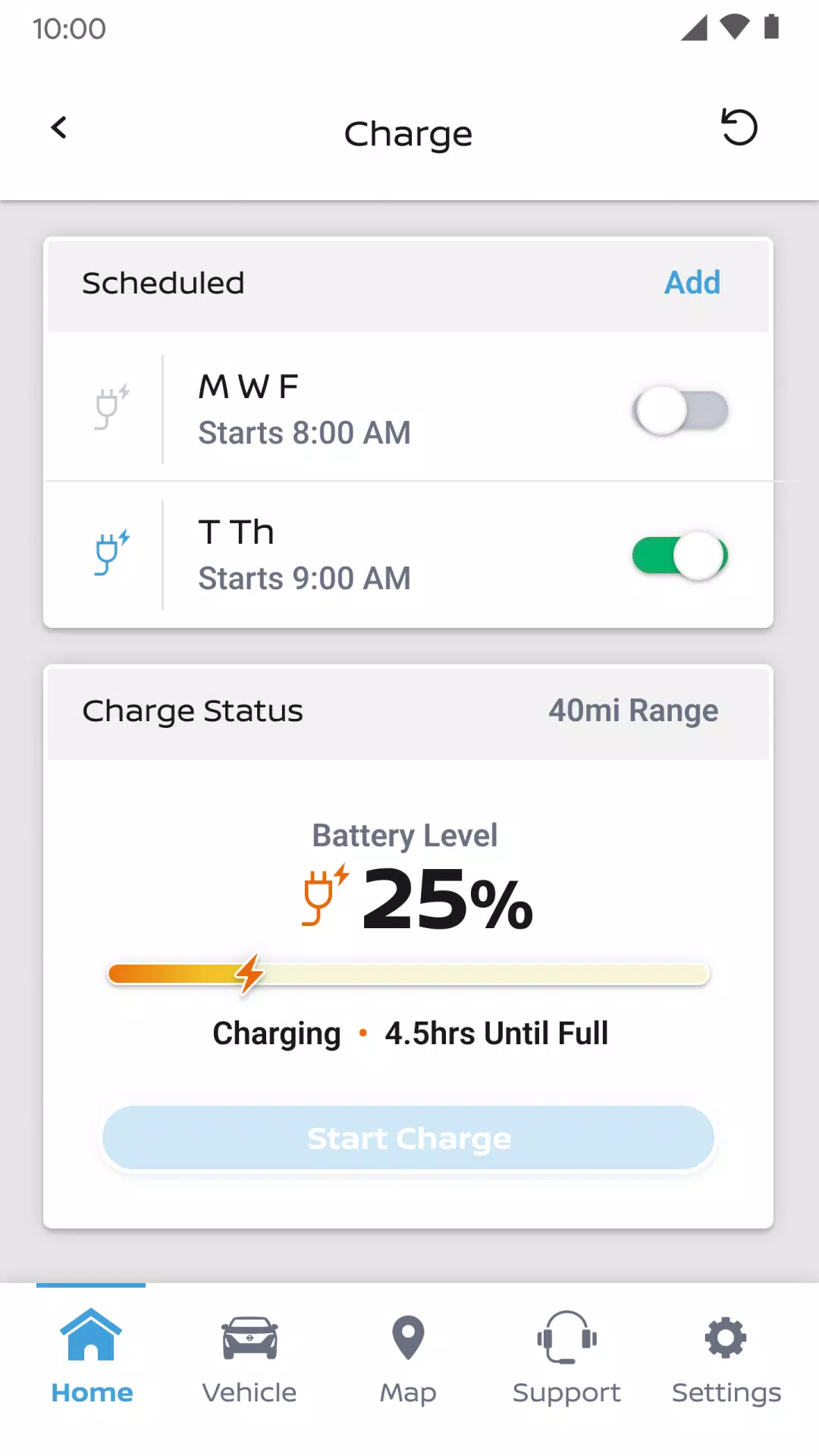
 MyNISSAN® allows you to manage your car remotely from your smartphone.*
The MyNISSAN App helps you maximize your vehicle's potential and enhances your overall ownership experience. It provides remote access, security, personalization, vehicle details, maintenance tracking, and convenient features right on your compatible Android phone or Wear OS device.
The MyNISSAN App is accessible to all Nissan owners, with an optimized experience for 2014 and later models. The full suite of MyNISSAN features is available on select 2018 and newer models* with an active NissanConnect® Services Premium package. To see which features work with your specific vehicle, visit owners.nissanusa.com.
All Nissan owners and vehicles can use the following MyNISSAN features:
• Manage your Nissan account and preferences
• Schedule service appointments at your preferred dealer****
• Get notified about relevant vehicle recalls or service campaigns
• Review your vehicle’s service history and maintenance schedule
• Access Roadside Assistance
With a compatible vehicle, you can also:
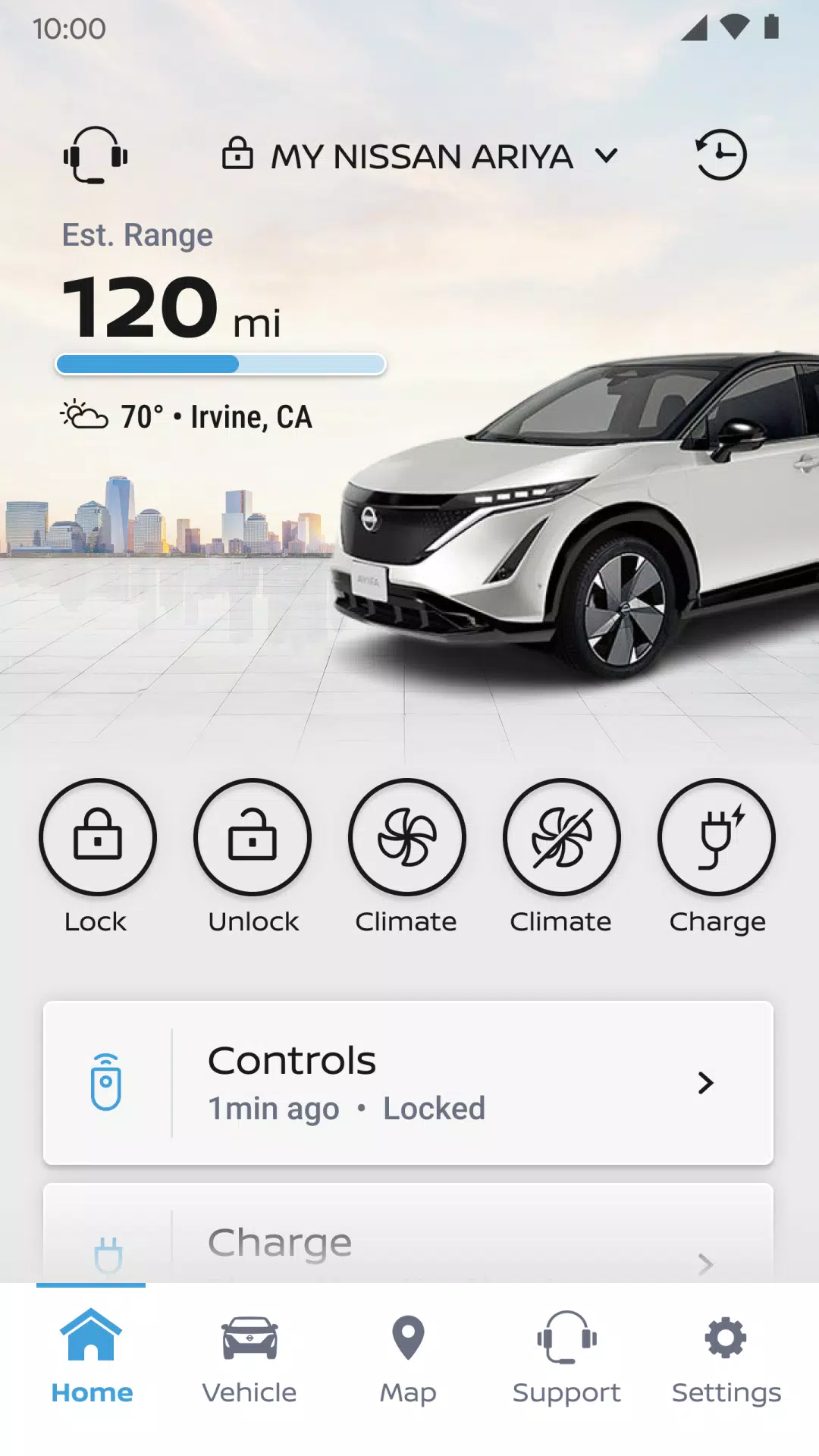
• Remotely start or stop the engine**, lock and unlock doors, and sound the horn or flash the lights
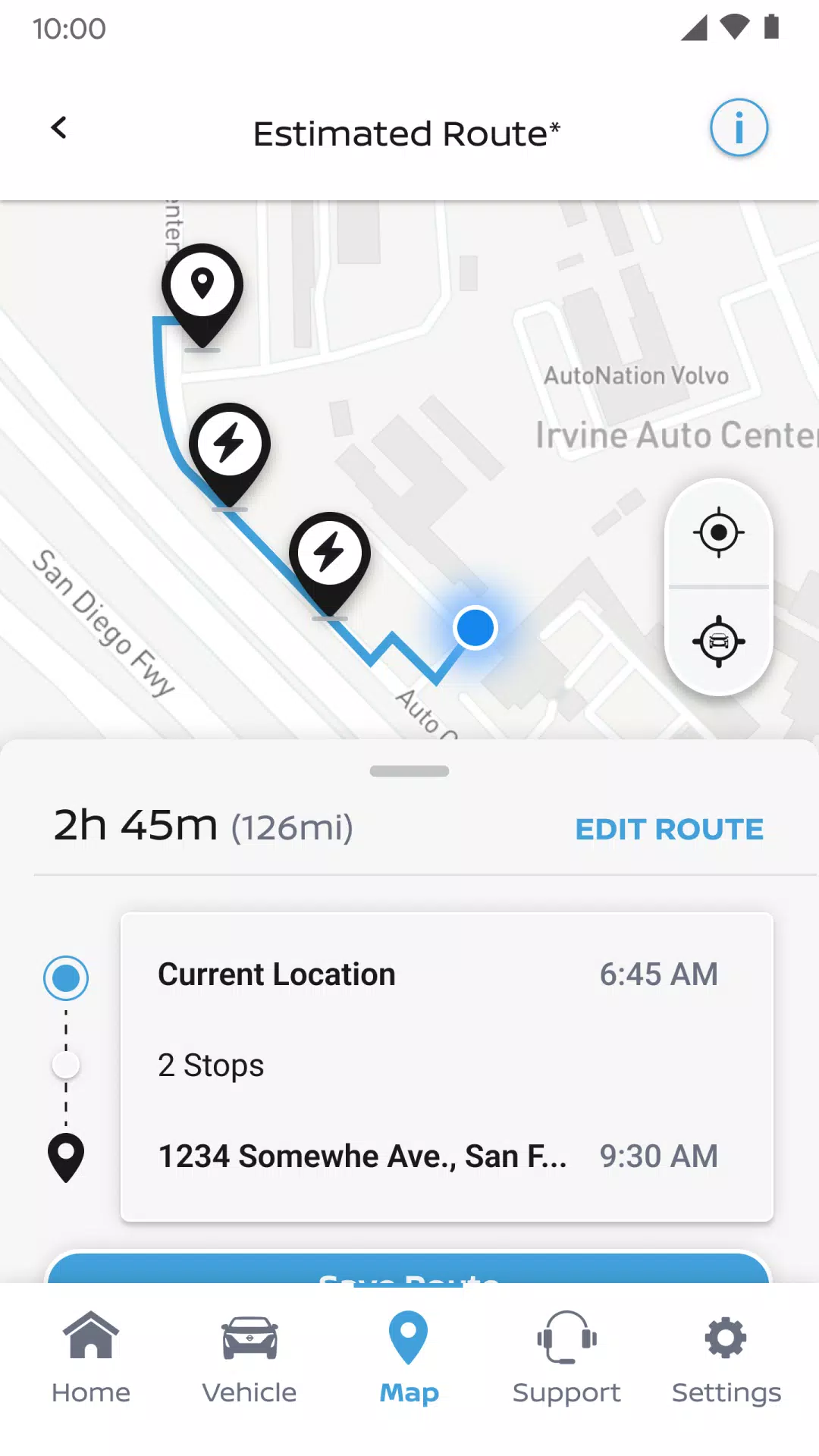
• Find, save, and send destinations directly to your vehicle
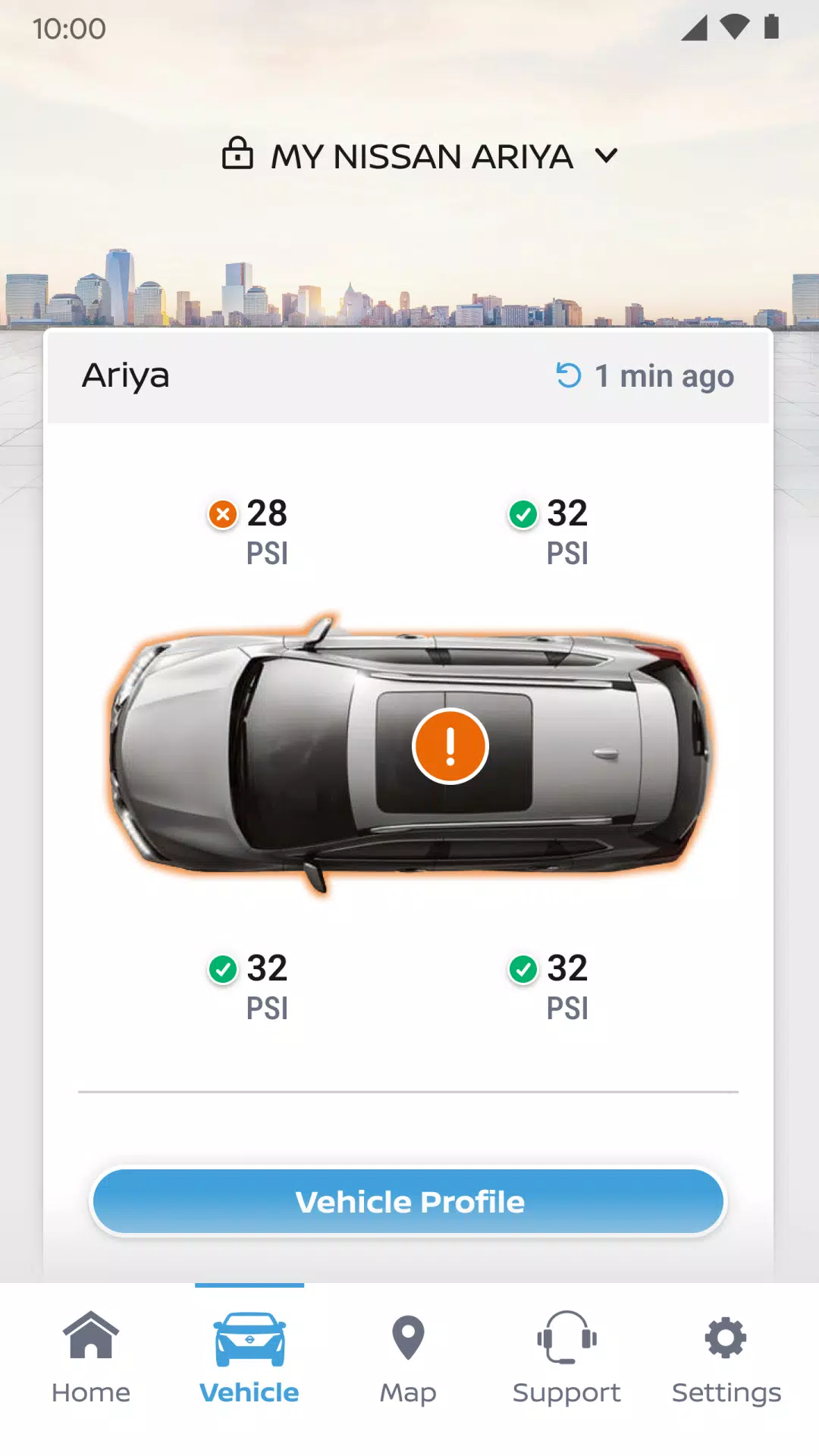
• Check your vehicle’s status (doors, engine, mileage, fuel range, tire pressure, oil level, airbag system, brakes)
• Locate your vehicle
• Monitor your vehicle with customizable alerts for boundaries, speed, and curfews***
Vehicle trims featuring Google built-in** offer additional capabilities, such as:
• Adjust your vehicle’s climate settings remotely
• Start the engine remotely
• Receive alerts if doors are left unlocked, windows are open, and more
• Connect with your repair shop for live service updates
• Plan smarter trips using data-driven routing
• Get advance notifications for upcoming maintenance
• Add up to four extra drivers to one Nissan ID account
For important safety details, system limitations, and additional feature information, consult your dealer, owner’s manual, or visit www.nissanusa.com/connect/privacy.
*The NissanConnect Services telematics program was impacted by AT&T’s discontinuation of its 3G cellular network. As of February 22, 2022, all Nissan vehicles equipped with telematics hardware reliant on the 3G network can no longer connect to it or access NissanConnect Services features. Customers who purchased a Nissan with this hardware needed to enroll in NissanConnect Services before June 1, 2021, to activate service and maintain access through February 22, 2022 (access depends on cellular network availability and coverage limits). More details are available at http://www.nissanusa.com/connect/support-faqs.
**Feature availability depends on vehicle model year, model, trim, package, and options. Activation of the NissanConnect Services SELECT package is required for consumers. A trial period is included with eligible new vehicle purchases or leases. The trial may be altered or ended at any time without notice. A monthly subscription fee applies after the trial. Driving demands your full attention—only use these features when it is safe and legal. Never program while driving. GPS mapping may lack detail in some areas or not reflect current road conditions. Connectivity service required. App subscriptions may be needed. Data rates may apply. Service depends on third-party availability. If a provider ends or restricts service, features may be suspended or terminated without notice, with no liability to NISSAN or its partners. Google, Google Play, and Google Maps are trademarks of Google LLC. For more information, visit www.nissanusa.com/connect/legal.





- Yasha: Demon Blade Release Date Announced 1 weeks ago
- Pedro Pascal Calls JK Rowling a 'Heinous Loser' for Anti-Trans Rhetoric 2 weeks ago
- Activision Says It’s Working With Nintendo to Get Call of Duty on Switch, but Will Black Ops 7 Be on Switch 2? 2 weeks ago
- Wuthering Waves: Cantarella's Abilities, Leaks, and Ascension Materials Revealed 2 weeks ago
- Viola Davis Waller Series Still in Development, James Gunn Confirms 2 weeks ago
- Ragnarok X Next Generation Returnee Guide – Full Comeback Roadmap for Returning Players 2 weeks ago
-
Productivity / 2.7.5 / by Dickensheet & Associates, Inc. / 50.40M
Download -

Photography / 1.1.4.0 / by Face play Photo Editor & Maker / 123.69M
Download -

Communication / 2.0.0.24 / 59.72M
Download -
Tools / 1.6.0 / by Country VPN LLC / 67.71M
Download -

Personalization / 3.420.0 / 10.35M
Download -

Communication / 1.0 / 5.29M
Download
-
 Deltarune Chapters 3 & 4: Save Files Compatible with Predecessors
-
 "GTA 6: Ultimate Guide - Release, Gameplay, Story - Feb 2025"
-
 NBA 2K25 Unveils Updates for 2025 Season
-
 Unlock Secret Debugging Tools: Access Balatro's Hidden Cheats
-
 Goat Simulator 3 Unleashes Ultimate Customization with Shadowy Update
-
 Uncharted Waters Origins adds new relationship chronicle with Safiye Sultan in July update