

Mirror App - Makeup Mirror
Category : BeautyVersion: 1.2.2
Size:11.8 MBOS : Android 7.0+
Developer:o16i Apps
 Download
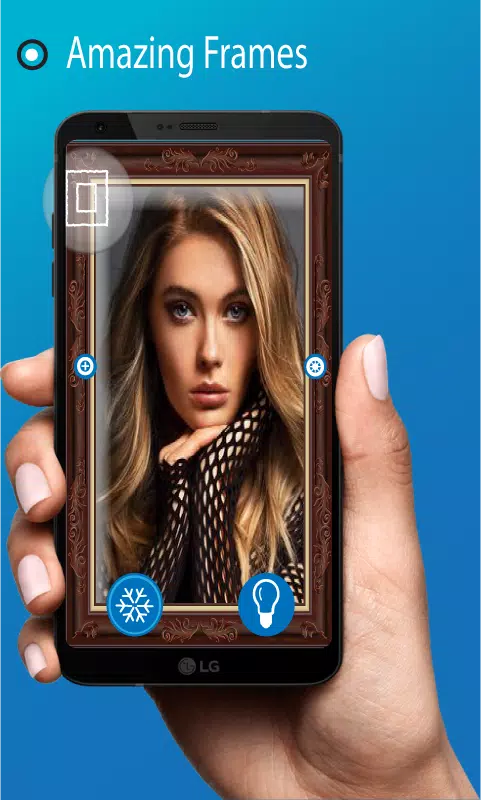
 A beauty mirror featuring image capture, adjustable brightness, and a magnifying mirror view.
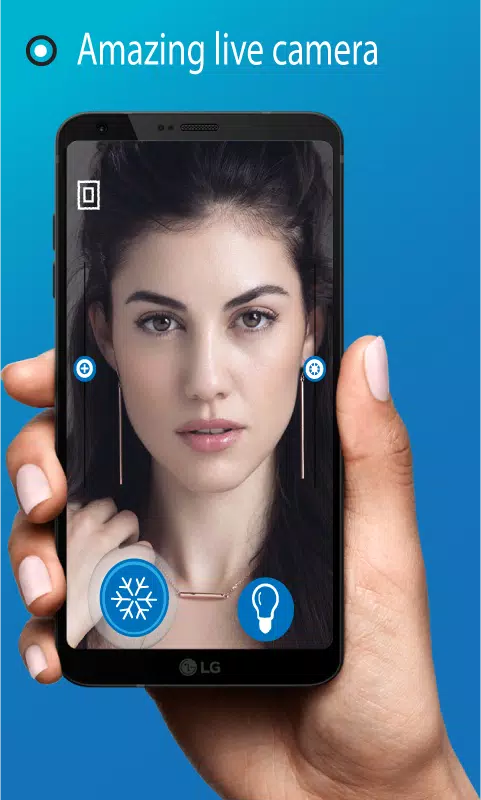
Mirror Pro is a pocket mirror app that delivers an exceptional, unique experience with HD camera quality, transforming your phone into a wonderful HD mirror with advanced features. These functions turn your cell phone into a compact mirror, HD mobile mirror, and pocket mirror.
You no longer need to carry a makeup mirror with you. Pro Mirror allows you to check your facial appearance, look, makeup, lipstick, and hairstyle in seconds. You can freeze the image for detailed inspection using the zoom in and zoom out feature. All these capabilities make the Pocket Mirror app your ideal compact mirror.
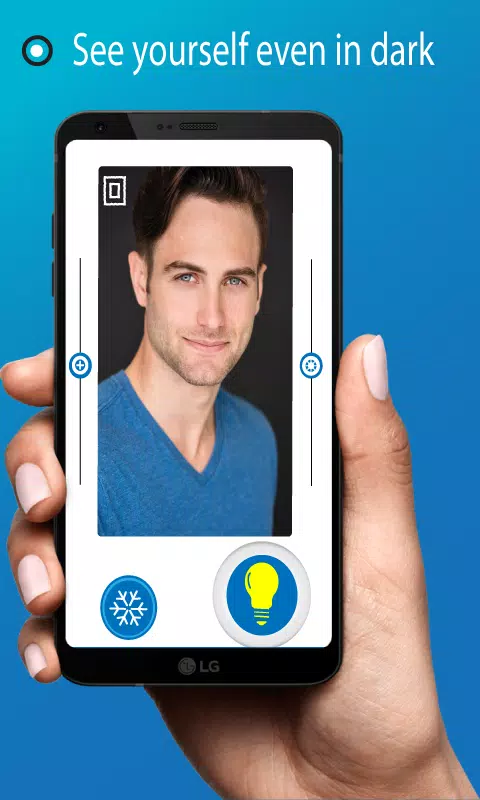
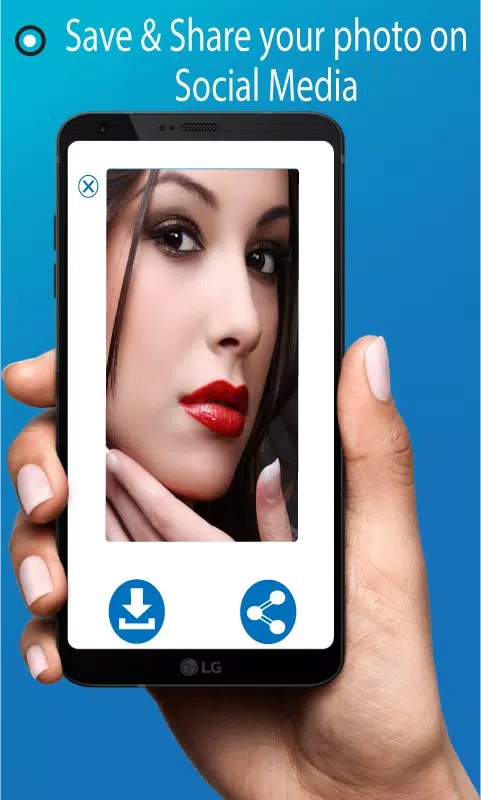
Magic Mirror can save your look for photo editing and easily share it with other apps or social media platforms. The Pocket Mirror includes one-touch lighting control to help you see yourself even in the dark. Real-time zoom in and zoom out provide a superior view compared to ordinary mirrors. You can even adjust brightness in the mobile mirror for perfect lipstick and hair settings. Mirror Pro gives you a quick glimpse of yourself.
Features of Pro Mirror
- Simple and user-friendly interface
- Adjustable brightness makeup mirror
- Freeze image and download option
- View rotation (landscape and portrait)
- Take selfies after completing makeup
- Mirror view and flip image view
- Magnifying view and magnifying mirror
- Essential daily tool for makeup and hairstyling
- Capture and save images to gallery
- See yourself in the dark with lighted mirror
- Professional makeup tool for everyday use
- Your ultimate makeup companion
How to Use Beauty Mirror Pro
After installing the Pocket Mirror application, users can immediately access the mirror feature. Adjust the mirror's brightness and use the lighted mirror feature in dark conditions via the on-screen bulb button. The camera button captures images for your gallery, while the freeze image function lets you examine details by zooming in and out for an enhanced magnifying mirror experience. Share frozen images on social media or download them to your gallery. The flip button provides a real mirror view.
Note: The Mirror App uses your device's front camera. It requires camera permissions to function. The mirror quality depends entirely on your front camera's performance.





- Activision Says It’s Working With Nintendo to Get Call of Duty on Switch, but Will Black Ops 7 Be on Switch 2? 5 days ago
- Wuthering Waves: Cantarella's Abilities, Leaks, and Ascension Materials Revealed 1 weeks ago
- Viola Davis Waller Series Still in Development, James Gunn Confirms 1 weeks ago
- Ragnarok X Next Generation Returnee Guide – Full Comeback Roadmap for Returning Players 1 weeks ago
- Dragon Age: Inquisition Servers Shut Down on PS3 This April 28 1 weeks ago
- Nintendo Amends Patent Mid-Case in Palworld Lawsuit 1 weeks ago
-

Productivity / 2.7.5 / by Dickensheet & Associates, Inc. / 50.40M
Download -

Photography / 1.1.4.0 / by Face play Photo Editor & Maker / 123.69M
Download -

Communication / 2.0.0.24 / 59.72M
Download -

Tools / 1.6.0 / by Country VPN LLC / 67.71M
Download -

Personalization / 3.420.0 / 10.35M
Download



-
 Deltarune Chapters 3 & 4: Save Files Compatible with Predecessors
-
 "GTA 6: Ultimate Guide - Release, Gameplay, Story - Feb 2025"
-
 NBA 2K25 Unveils Updates for 2025 Season
-
 Unlock Secret Debugging Tools: Access Balatro's Hidden Cheats
-
 Goat Simulator 3 Unleashes Ultimate Customization with Shadowy Update
-
 Uncharted Waters Origins adds new relationship chronicle with Safiye Sultan in July update