

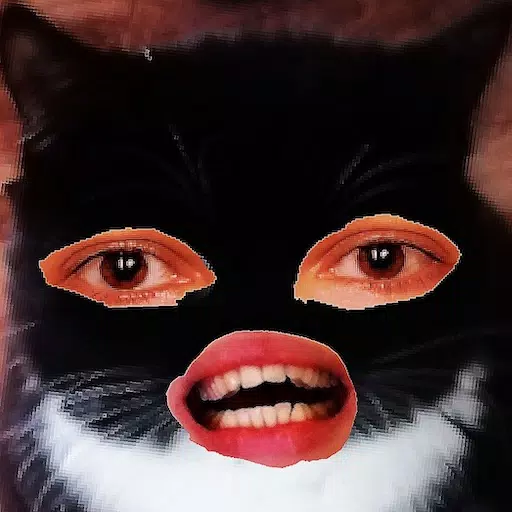
Cut and move pictures
Category : Art & DesignVersion: 4.5
Size:29.8 MBOS : Android 7.0+
Developer:Xenia Smirnova
 Download
 Crop, cut out, and overlay photos with easy hand tools.
A straightforward image editor designed specifically for cropping and overlaying pictures. Simple tools with no unnecessary features!
This app lets you cut out any object and place it over another photo.
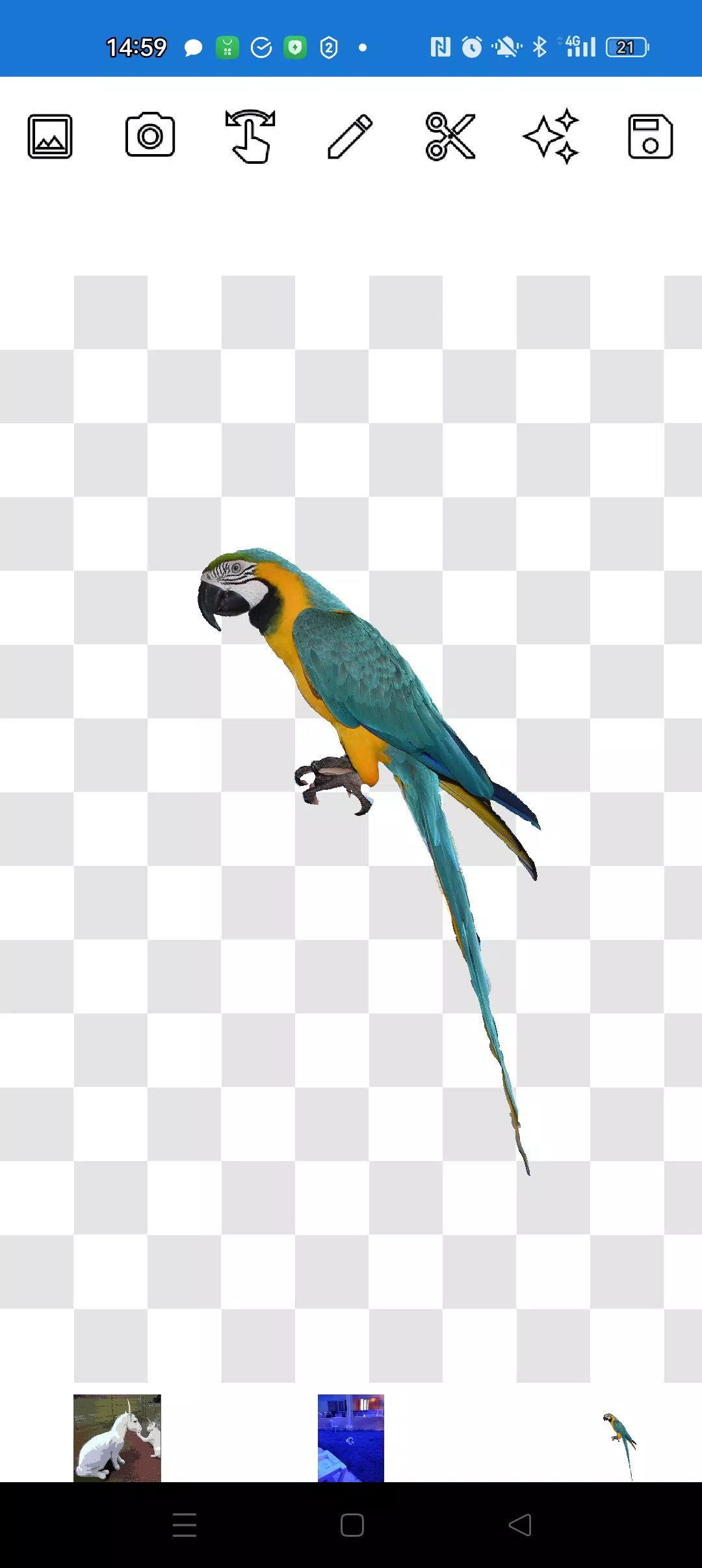
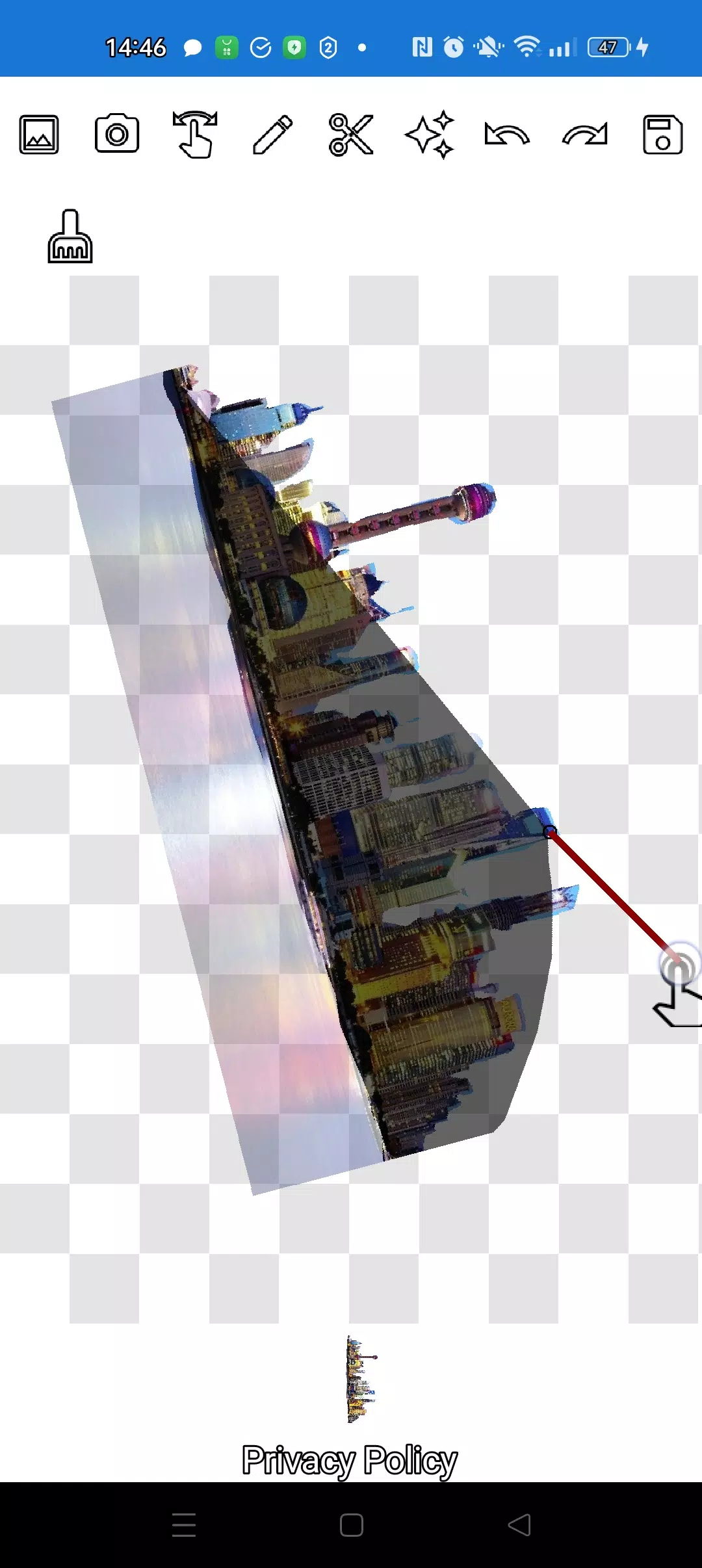
You can extract any object, even the tiniest details, using two handy tools: the pencil ✏️ and the lasso.
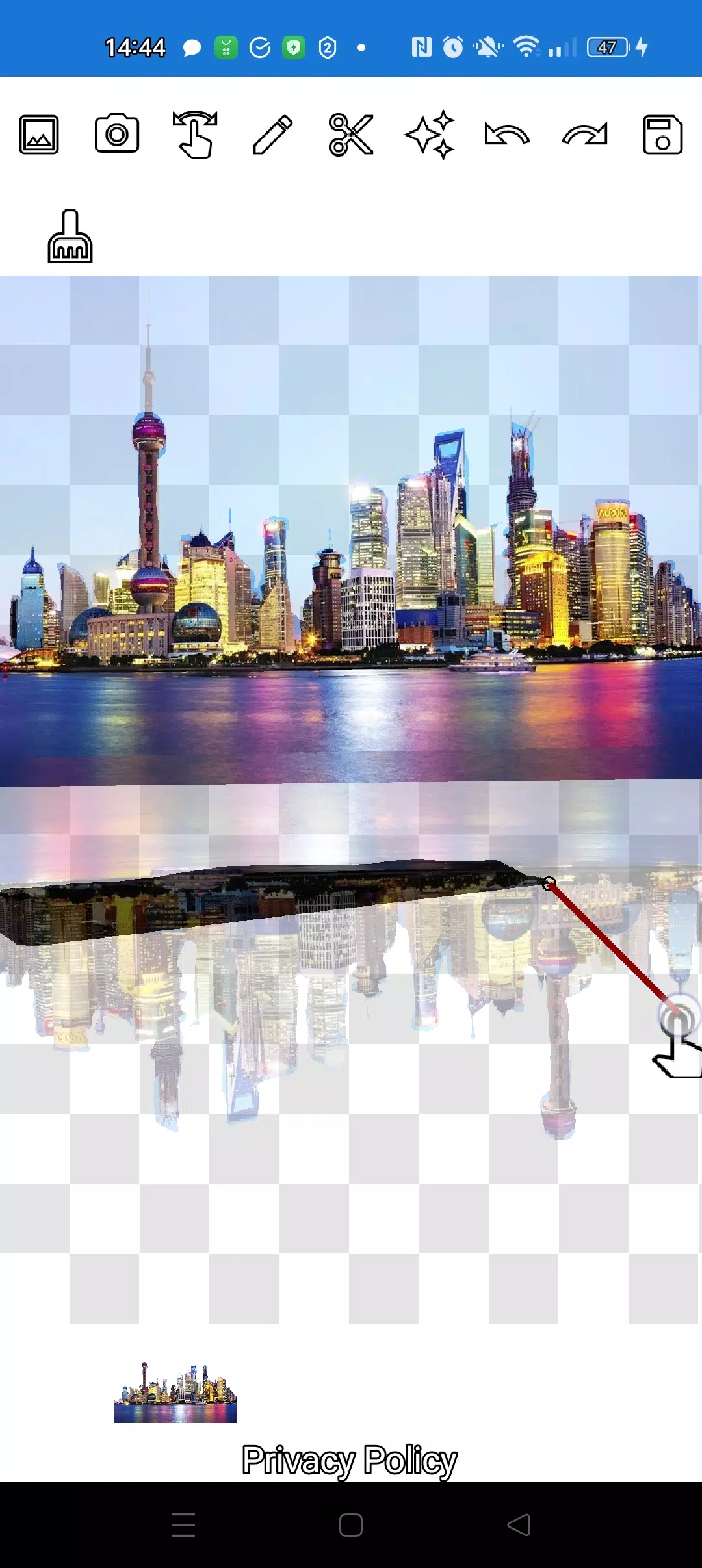
Draw with the pencil, and adjust its transparency to convert it into an eraser. Choose any pencil thickness. To make objects semi-transparent, select medium pencil transparency. Edit edges by adjusting transparency levels.
Tap the "magic" tool next to the save button to make objects blend seamlessly into the background.
To crop even the most intricate objects, zoom in using the manipulation (finger) mode, then carefully trace the outline with the pencil or lasso.
Create complex collages and compositions in just minutes!
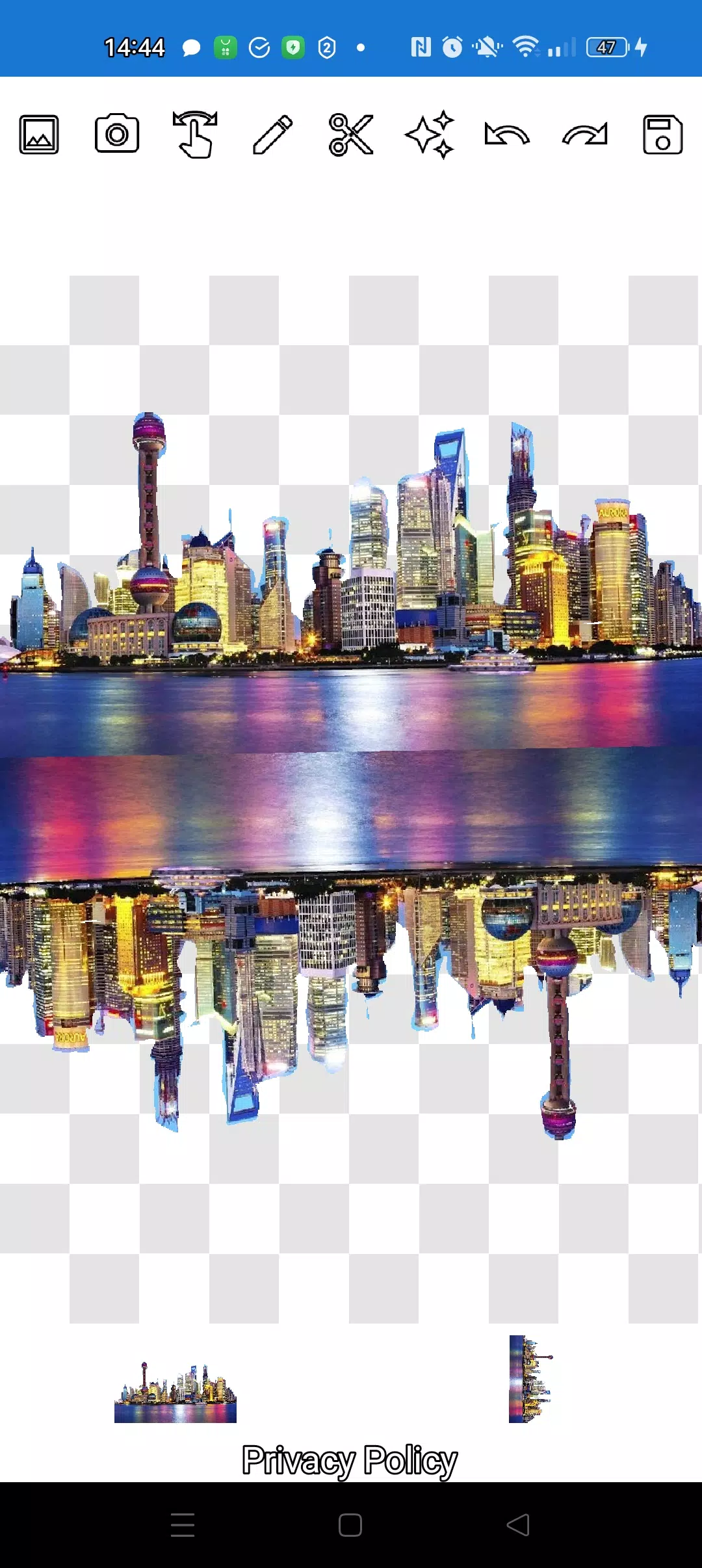
Layer multiple objects as needed. Select several photos from your gallery, cut out the ones you want, keep one as the background, arrange them attractively, and save your creation. Tip: First pick your overlay image for easy cutting, then choose the background - your overlay will stay in place. Tap any layer at the bottom to bring it to the front.
Swipe away any unwanted picture until it's almost hidden to delete it.
Save your work by selecting the area to crop. In crop mode, choose your desired rectangular area, tap the checkmark, and the image saves to your gallery.
Don't worry about layer order. All layers appear at the bottom of the screen. One tap brings any layer to the top. Simple and intuitive - you have full control over object and background arrangement.
The only potential confusion might be switching between modes (manipulation, pencil/eraser, or lasso). After a couple minutes of practice, it becomes second nature!
Impress your friends on social media and messaging apps with unique images. Create fakes, memes, and jokes! This versatile tool works for social media content, business needs, websites, logos, and banners when you don't have access to professional editors and need quick results.
Use anywhere - cafes, subways, or airplanes - the app works completely offline!
Simple technologies from Pimur.
Thanks for reading! Please share your feedback below - we value it greatly!)
What's New in the Latest Version 4.5
Last updated on Sep 17, 2024
Minor bug fixes and improvements. Install or update to the newest version to check it out!





- Activision Says It’s Working With Nintendo to Get Call of Duty on Switch, but Will Black Ops 7 Be on Switch 2? 5 days ago
- Wuthering Waves: Cantarella's Abilities, Leaks, and Ascension Materials Revealed 1 weeks ago
- Viola Davis Waller Series Still in Development, James Gunn Confirms 1 weeks ago
- Ragnarok X Next Generation Returnee Guide – Full Comeback Roadmap for Returning Players 1 weeks ago
- Dragon Age: Inquisition Servers Shut Down on PS3 This April 28 1 weeks ago
- Nintendo Amends Patent Mid-Case in Palworld Lawsuit 1 weeks ago
-

Productivity / 2.7.5 / by Dickensheet & Associates, Inc. / 50.40M
Download -

Photography / 1.1.4.0 / by Face play Photo Editor & Maker / 123.69M
Download -

Communication / 2.0.0.24 / 59.72M
Download -

Tools / 1.6.0 / by Country VPN LLC / 67.71M
Download -

Personalization / 3.420.0 / 10.35M
Download



-
 Deltarune Chapters 3 & 4: Save Files Compatible with Predecessors
-
 "GTA 6: Ultimate Guide - Release, Gameplay, Story - Feb 2025"
-
 NBA 2K25 Unveils Updates for 2025 Season
-
 Unlock Secret Debugging Tools: Access Balatro's Hidden Cheats
-
 Goat Simulator 3 Unleashes Ultimate Customization with Shadowy Update
-
 Uncharted Waters Origins adds new relationship chronicle with Safiye Sultan in July update