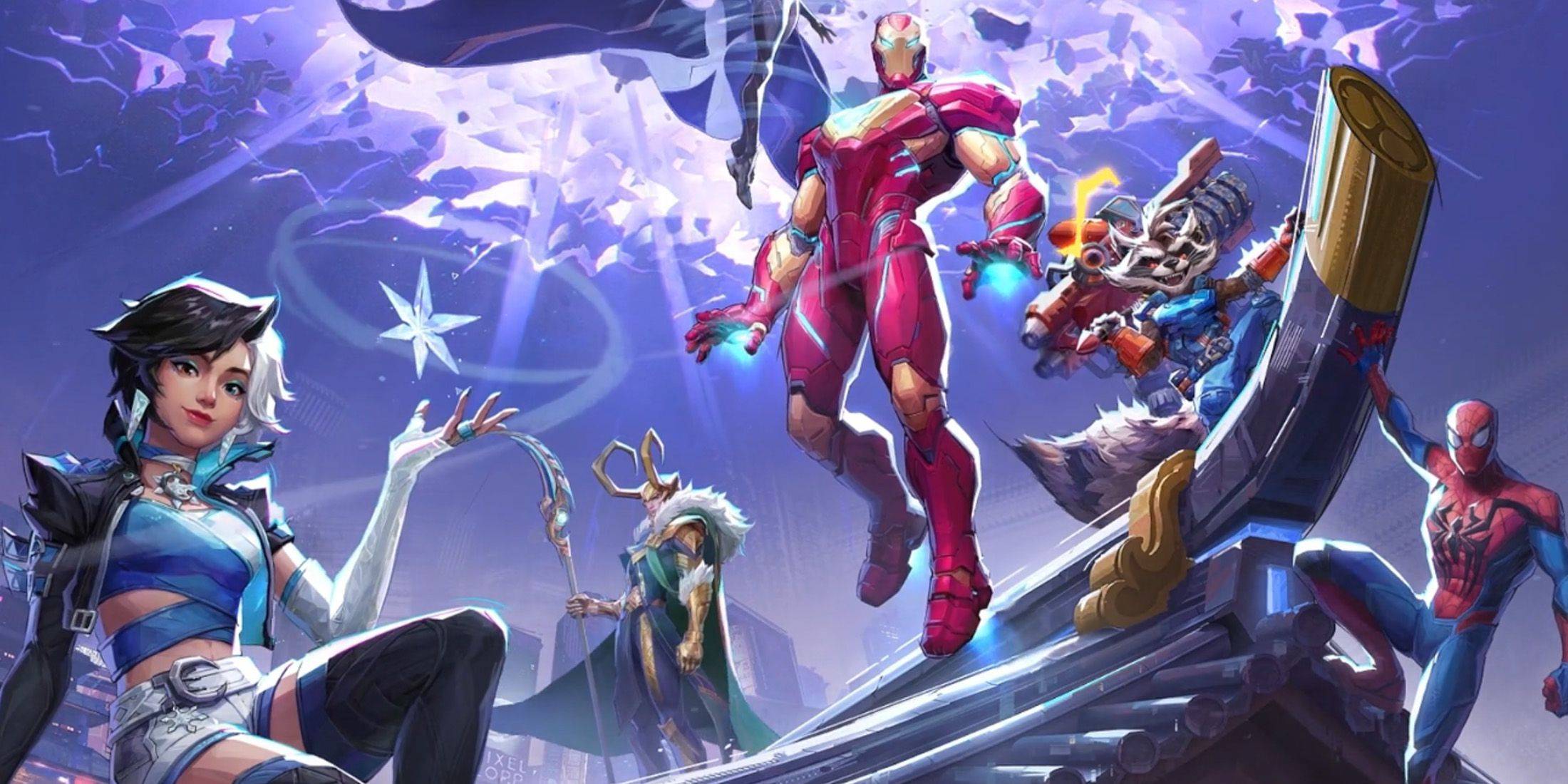
Temporada 0 de "Marvel Rivals" - Rise of Destruction, ¡ampliamente aclamada! Los jugadores se familiarizan con los mapas, los héroes y las habilidades, y encuentran el personaje que mejor se adapta a su estilo de juego. Sin embargo, a medida que los jugadores avanzan en el juego competitivo, algunos comienzan a notar que tienen un control muy limitado sobre su puntería.
Si te estás acostumbrando a Marvel Rivals y sus diversos personajes, y te sientes frustrado y un poco incómodo al apuntar, no estás solo. De hecho, muchos jugadores han comenzado a utilizar una solución simple para desactivar una de las principales causas de la desalineación de la puntería. Si tiene curiosidad por saber por qué su puntería se siente ligeramente desviada y cómo solucionarlo, siga leyendo para conocer la guía a continuación.
Cómo desactivar la aceleración del mouse y el suavizado de puntería en Marvel Rivals
 En Marvel Rivals, la aceleración del mouse/suavizado de puntería está habilitada de forma predeterminada y, a diferencia de otros videojuegos, actualmente no hay ninguna configuración en el juego para habilitar o deshabilitar esta función. Si bien la aceleración/suavizado de puntería del mouse es especialmente conveniente para los jugadores que usan controladores, los jugadores con mouse y teclado generalmente prefieren desactivarlo, ya que puede hacer que disparar rápido y apuntar ágilmente sea difícil de lograr de manera confiable. De hecho, algunos jugadores pueden preferir habilitarlo, mientras que otros prefieren deshabilitarlo; todo depende del individuo y del tipo de héroe con el que jueguen.
Afortunadamente, los jugadores pueden solucionar este problema fácilmente en la PC para desactivar esta función y habilitar la entrada de mouse de alta precisión cambiando manualmente el archivo de configuración del juego en una aplicación de edición de texto como el Bloc de notas. Los jugadores no tienen que preocuparse, esto de ninguna manera se considera modificación/trampa: simplemente estás desactivando una configuración que la mayoría de los juegos ya tienen la opción de habilitar/deshabilitar, en lugar de instalar archivos adicionales o cambiar datos drásticamente. Específicamente, este archivo del juego se actualiza cada vez que cambias una configuración en Marvel Rivals (como tu punto de mira o sensibilidad), por lo que estás cambiando una de estas muchas configuraciones.
Proceso paso a paso para deshabilitar el suavizado de puntería/aceleración del mouse en Marvel Rivals
- Abra el cuadro de diálogo Ejecutar (la tecla de acceso directo es Windows R)
- Copia y pega la ruta a continuación, pero reemplaza "TUNOMBREDEUSUARIOAQUÍ" con el nombre de usuario donde guardaste los datos.
- C:UsersSUNOMBRE DE USUARIOAQUÍAppDataLocalMarvelSavedConfigWindows
- Si no conoce su nombre de usuario, puede navegar a esta computadora navegando a < Windows < 用户来找到它
- Presione Enter y esto le mostrará dónde están guardadas las configuraciones de su sistema. Haga clic derecho en el archivo GameUserSettings y ábralo en el Bloc de notas.
- En la parte inferior del archivo, copie y pegue las siguientes líneas de código
[/script/engine.inputsettings]
bEnableMouseSmoothing=False
bViewAccelerationEnabled=False
Ahora guarde y cierre el archivo. Ahora has desactivado con éxito el suavizado y la aceleración del mouse para tu juego Marvel Rivals. Además, puede agregar una segunda línea de código debajo del código que acaba de agregar para anular cualquier otra secuencia de procesamiento de apuntamiento y garantizar que la entrada original del mouse tenga prioridad.
[/script/engine.inputsettings]
bEnableMouseSmoothing=False
bViewAccelerationEnabled=False
bDisableMouseAcceleration=False
RawMouseInputEnabled=1




![Taffy Tales [v1.07.3a]](https://imgs.xfsxw.com/uploads/32/1719554710667e529623764.jpg)