

 Download
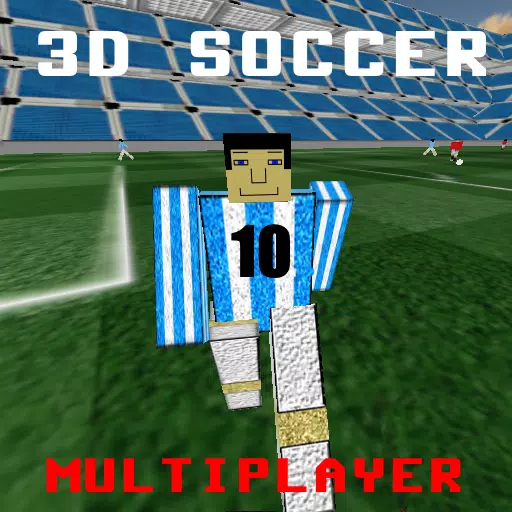
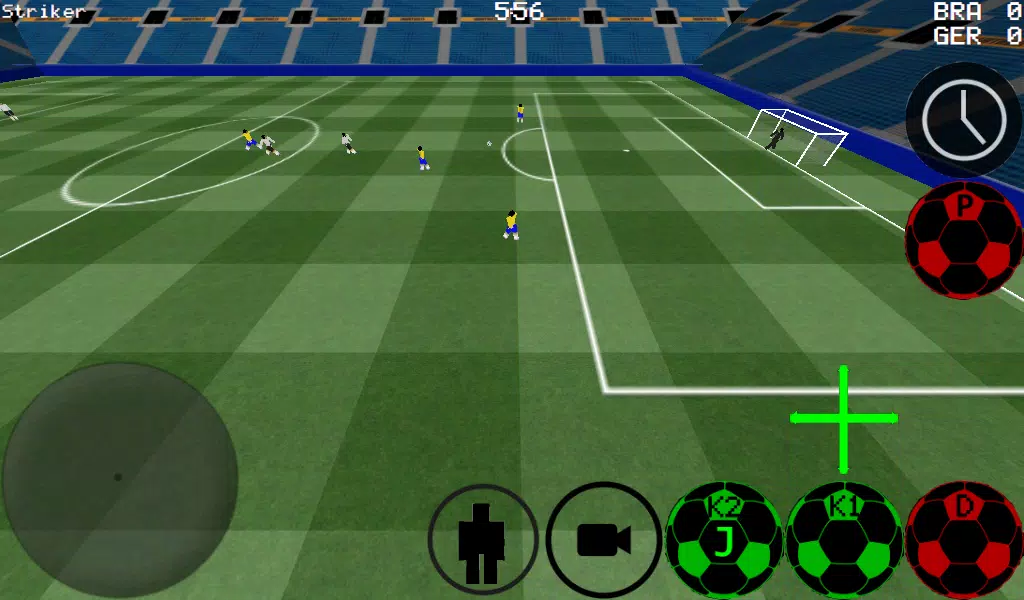
 Soccer Game in First Person Perspective
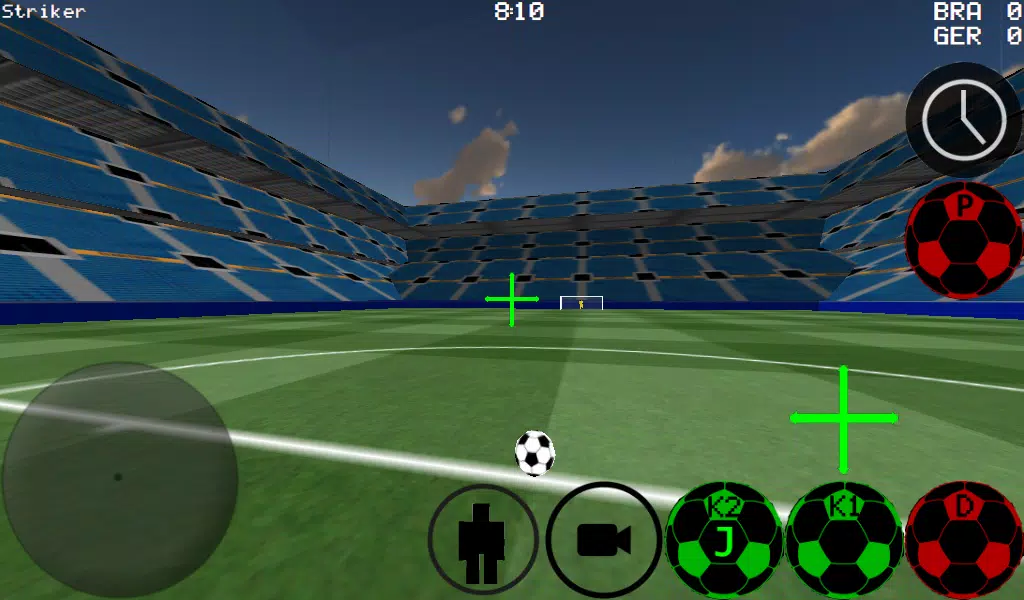
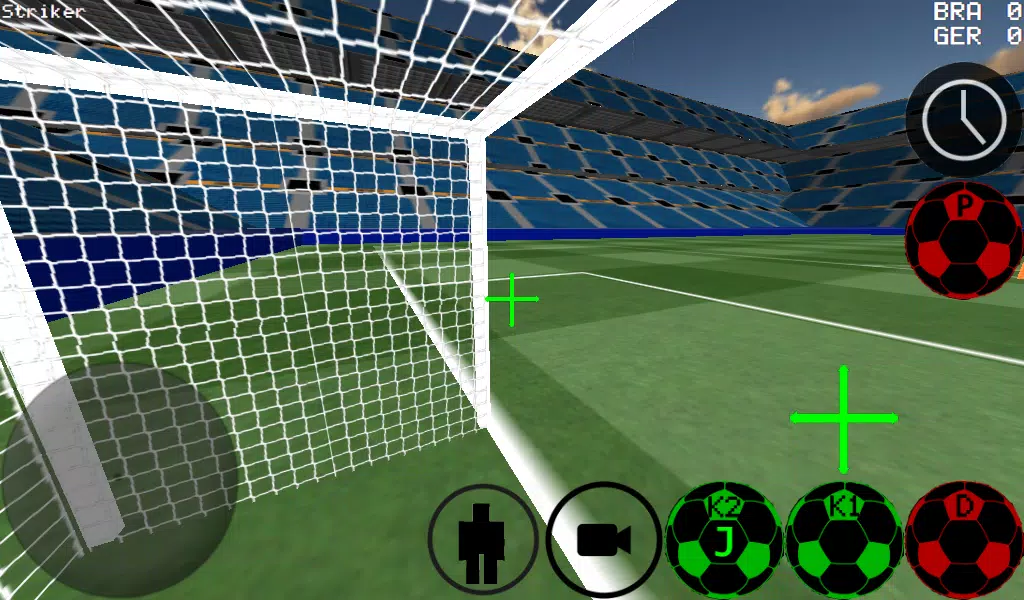
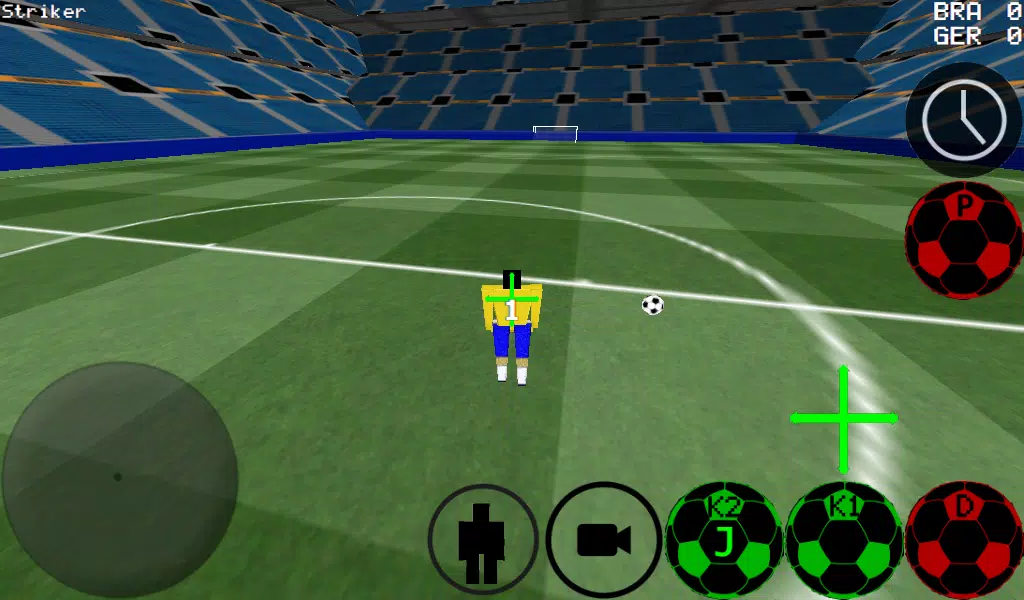
Experience soccer from a first-person view, with additional third-person, top-down, and stadium camera options.
-Advanced ball control for precise dribbling and striking.
-Play matches ranging from 4 vs. 4 up to 11 vs. 11.
-Take control of any player on the pitch.
-Choose between auto-dribble and manual dribble settings.
-Step into the role of the goalkeeper.
-Free kick training mode.
-Corner kick practice drills.
-Wall pass and rebound practice sessions.
-Freestyle mode for skill moves.
-Apply realistic spin to the ball.
-Slow down time to line up the perfect shot.
-Supports multiplayer over LAN and the internet for up to 5 vs. 5 matches.
-Use K1 and K2 buttons to kick the ball in your viewing direction.
-Two unique stadiums to play in.
-Experimental USB support for Xbox 360 controllers.
Xbox 360 USB Controller Layout
A = Dribble
X = Medium Power Kick (in camera direction)
Y or RIGHT BUTTON = High Power Kick (in camera direction)
B = PASS (AI passes to teammate)
START = Change Camera View
LEFT Button = Slow Time
UP PAD = Switch Controlled Player
BACK = RETURN TO MAIN MENU
RIGHT HAT = Camera Control
LEFT HAT = Player Movement
Setting up a WAN/LAN server:
1. Turn on Wi-Fi (ensure connection to a router/modem).
2. Select LAN GAME.
3. Click START SERVER.
4. Click CONNECT (once or twice). You are now connected as a player and are hosting the server.
Connecting to a server (as a second player):
1. Turn on Wi-Fi (connect to the same router/modem as the server).
2. Select LAN GAME.
3. Click CONNECT several times. (You will now be connected to the game).
Creating a Server for Internet Play
1. Port forward port 2500 on your router/modem to your phone or tablet's IP address.
2. Select LAN GAME.
3. Click START SERVER.
4. Click CONNECT (once or twice). You are now connected as a player and are hosting the server.
CONNECTING TO AN INTERNET SERVER
1. CLICK LAN CONNECT.
2. CLICK IP / TO SERVER.
3. ENTER THE SERVER'S IP ADDRESS (e.g., 201.21.23.21) and click CONNECT IP once or twice until you join.




- Official Project Egoist Trello And Discord Links 5 days ago
- Kjera Mech-Accord Guide for Arknights 1 weeks ago
- Save an Extra $300 Off the Alienware Aurora R16 RTX 5070 Ti Gaming PC, Great for Playing Games in 4K 1 weeks ago
- Steve's Lava Chicken Song Breaks into UK Music Chart 1 weeks ago
- Ragnarok M Eternal Love Class Tier List - The Best Classes in the Game (Updated July 2025) 2 weeks ago
- Rockstar's GTA 6 Trailer Sets Launch Record 2 weeks ago
-

Simulation / v1.0.0 / by Apkkia.com / 2.79M
Download -

Casual / 0.2 / by Ninapictures / 154.50M
Download -

Casual / 1.1.1 / by Utouto Suyasuya INC / 125.90M
Download -

Simulation / v2.0.4 / by Sanvitech Games Studio / 84.63M
Download -

Simulation / 0.0.63 / by mulyasafira / 74.00M
Download
![Taffy Tales [v1.07.3a]](https://imgs.xfsxw.com/uploads/32/1719554710667e529623764.jpg)


-
 Deltarune Chapters 3 & 4: Save Files Compatible with Predecessors
-
 "GTA 6: Ultimate Guide - Release, Gameplay, Story - Feb 2025"
-
 NBA 2K25 Unveils Updates for 2025 Season
-
 Unlock Secret Debugging Tools: Access Balatro's Hidden Cheats
-
 Goat Simulator 3 Unleashes Ultimate Customization with Shadowy Update
-
 New York Times Strands Hints and Answers for December 25, 2024