

 下载
下载 Master sketching with the AR Art Projector Drawing app
解锁你的内在艺术家,使用AR艺术投影仪绘图应用
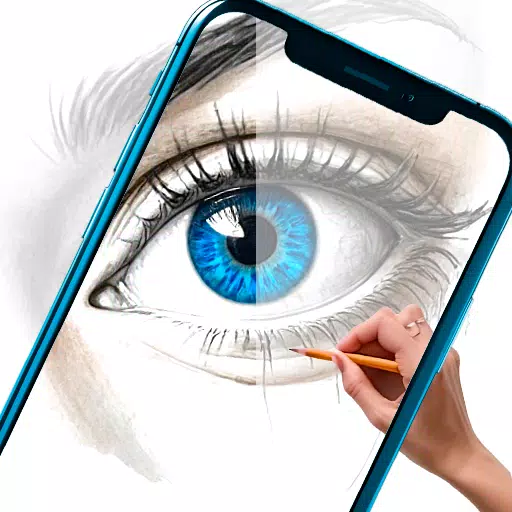
Are you an aspiring artist ready to elevate your drawing skills? Or an experienced creator searching for fresh ways to express your vision? The AR Art Projector Drawing app is your perfect partner for mastering drawing and crafting beautiful artwork using augmented reality drawing features.
你是一位渴望提升绘画技巧的艺术家吗?或者是一位正在寻找新方式表达自己愿景的经验丰富的创作者?AR艺术投影仪绘图应用是你掌握绘画并用增强现实绘制功能创作精美作品的完美伙伴。
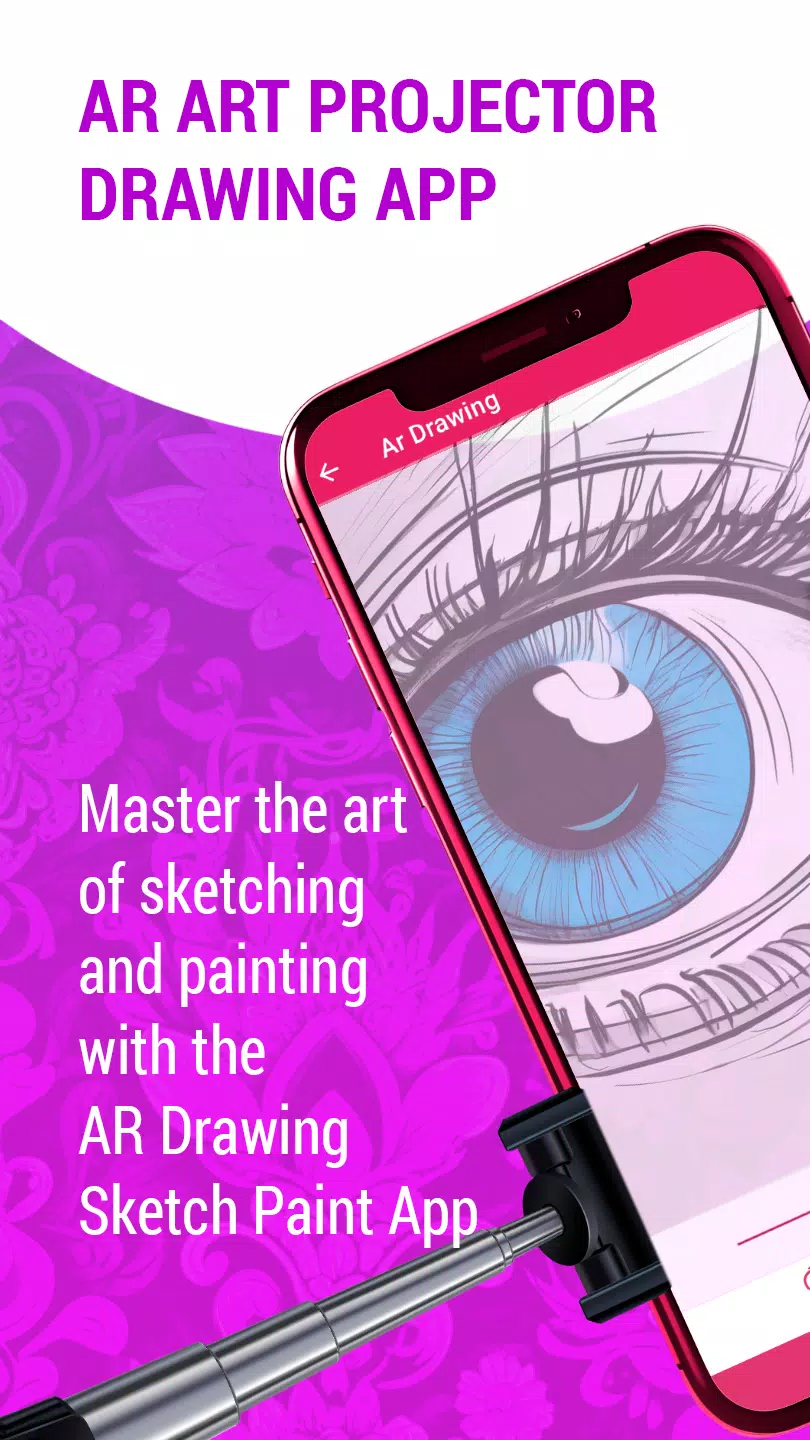
This innovative app uses augmented reality to transform how you learn and make art. With advanced AR projector technology, you can easily project photos from your phone or tablet onto paper or canvas, helping you trace and sketch with outstanding accuracy using an image projector.
这款创新应用利用增强现实技术改变了你学习和创作艺术的方式。借助先进的AR投影仪技术,你可以轻松将手机或平板电脑上的照片投射到纸张或画布上,帮助你使用图像投影仪以出色的精度进行描摹和素描。
It includes a huge selection of premium sketches, paintings, and creative drawings in many styles, making the AR art projector app a rich resource for all skill levels. Whether you're a novice building your skills or a pro exploring new creative areas, this AR art app has what you need.
它包含大量优质素描、绘画和多种风格的创意画作,使AR艺术投影仪应用成为所有技能水平的丰富资源。无论你是正在建立技能的初学者还是探索新创作领域的专业人士,这款AR艺术应用都能满足你的需求。
Key features of the AR Art Projector Drawing app:
AR艺术投影仪绘图应用的主要功能:
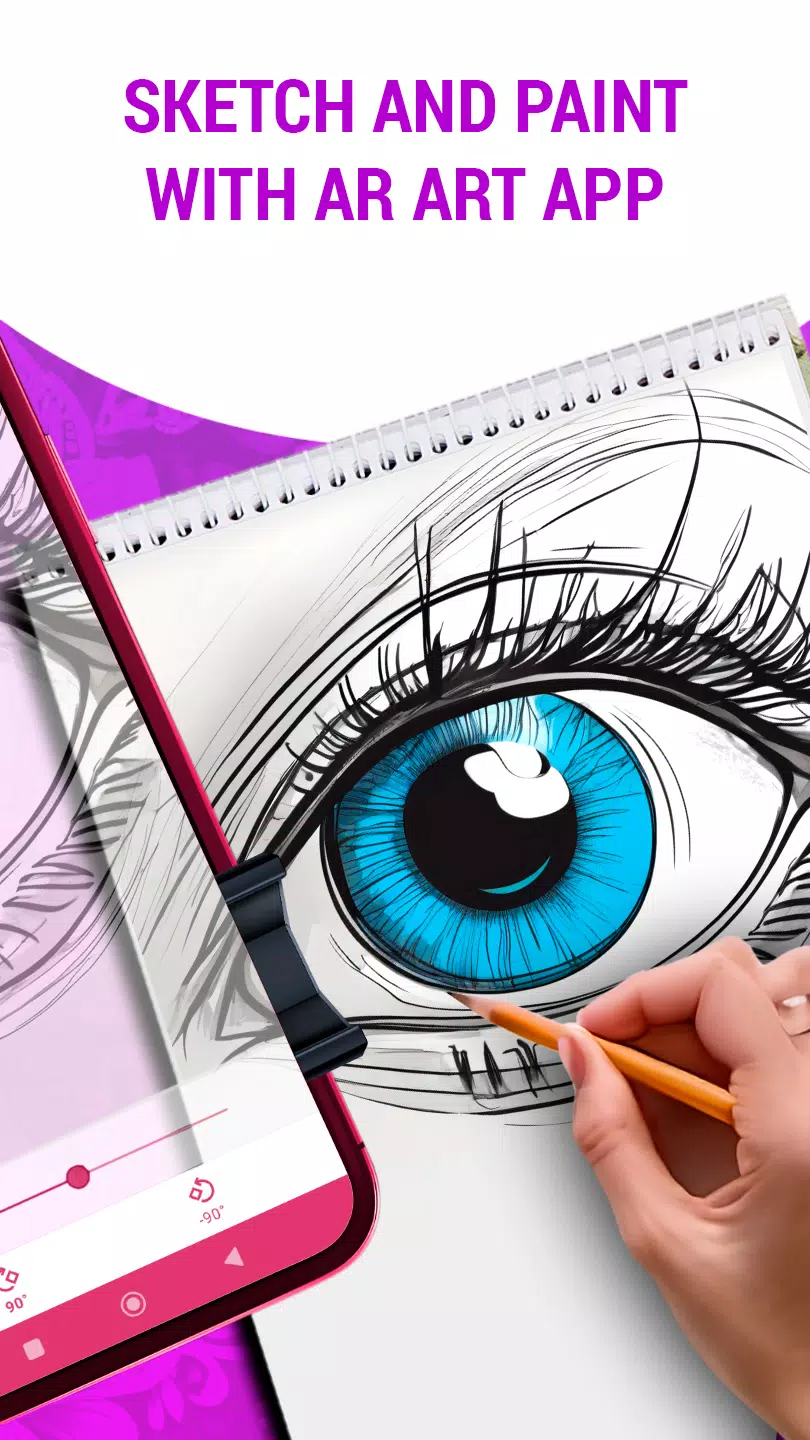
Project Images Onto Paper: Easily transfer images from your device onto paper or canvas with the art projector for precise tracing and drawing.
将图像投射到纸上:使用艺术投影仪轻松地将设备上的图像转移到纸张或画布上,进行精确描摹和绘画。
Adjust Transparency, Rotation, and Zoom: Tweak the image transparency, rotate it, or zoom for the perfect drawing setup.
调整透明度、旋转和缩放:微调图像的透明度、旋转它或放大/缩小以获得完美的绘图设置。
Diverse Drawing Styles: Discover many drawing styles, from lifelike sketches to abstract designs, matching your artistic taste.
多样的绘画风格:发现许多绘画风格,从逼真的素描到抽象设计,满足你的艺术品味。
Simple Sketch Learning: Learn sketching with step-by-step, easy-to-follow tutorials.
简单的素描学习:通过循序渐进、易于跟随的教程学习素描。
Enhance Your Drawing Abilities: Practice using the app and learn to sketch like Leonardo da Vinci.
提升你的绘画能力:使用应用程序练习并学习像列奥纳多·达芬奇一样进行素描。
Convert Digital Art: Turn digital images into pencil sketches or beautiful drawings in just a few taps with the AR art drawing app.
转换数字艺术:只需几次点击,即可将数字图像转换为铅笔素描或精美的画作。
Intuitive Interface: Enjoy a smooth, user-friendly design made for beginners and experts alike.
直观的界面:享受流畅、用户友好的设计,适合初学者和专家使用。
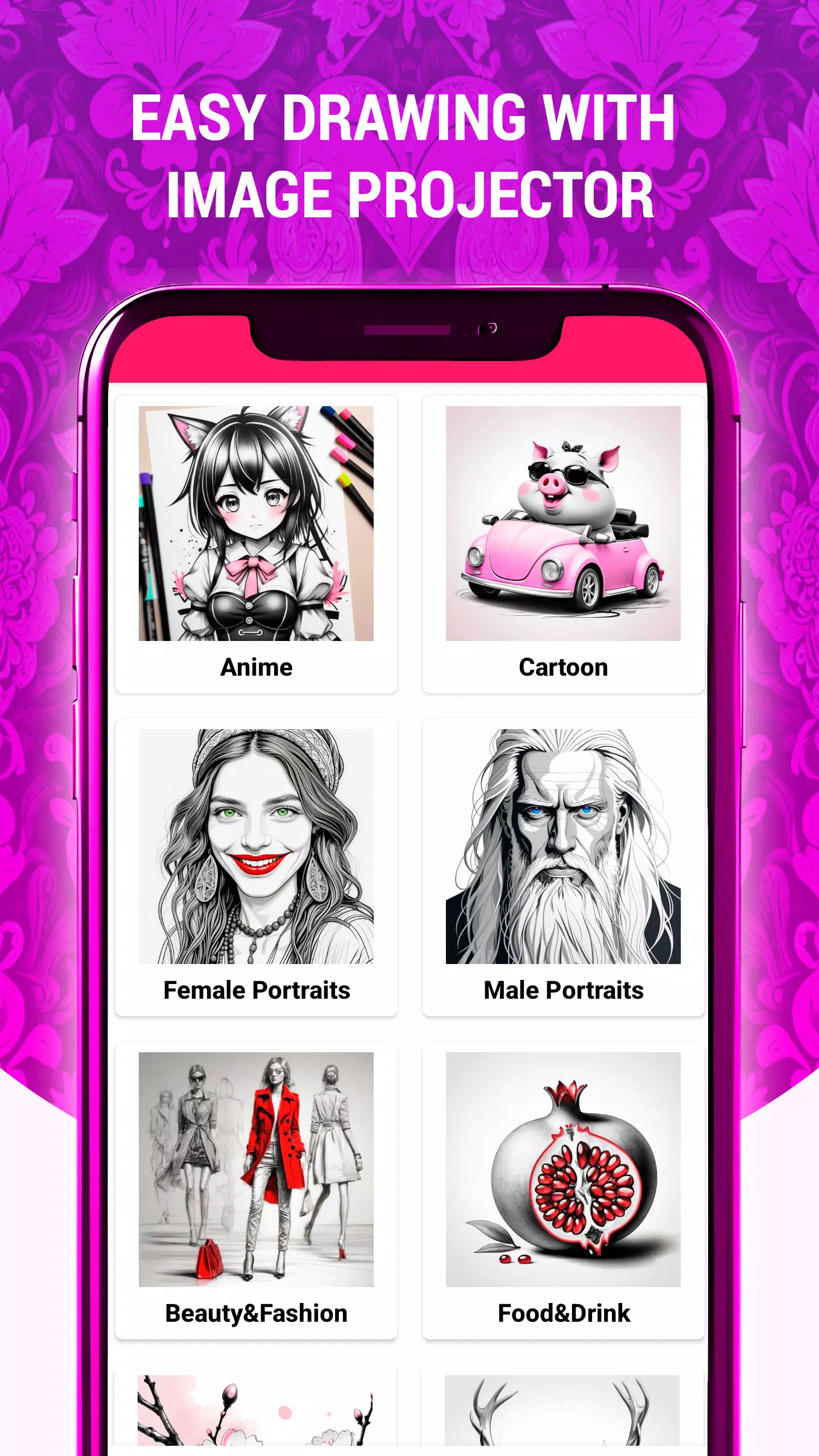
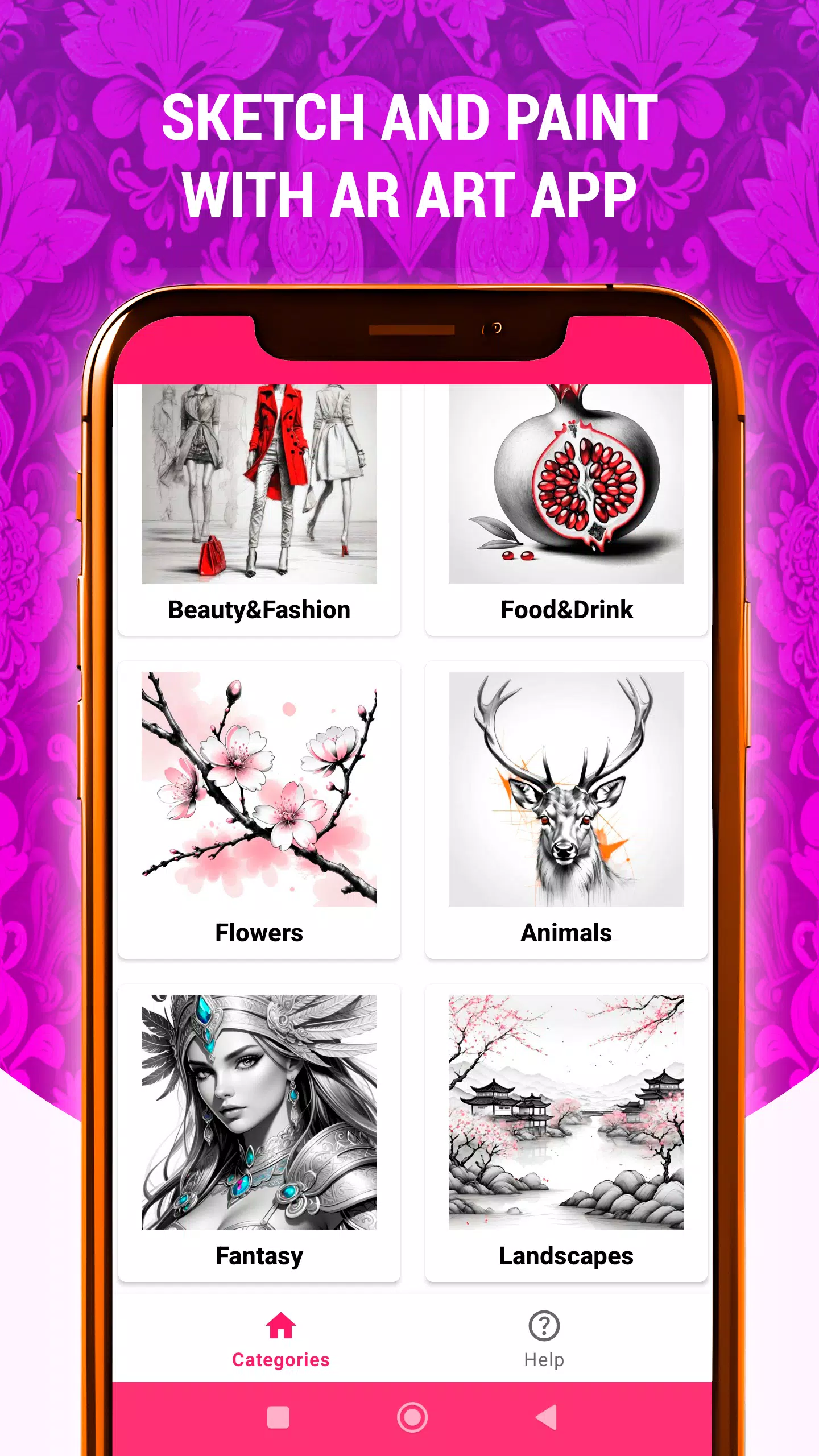
Many Tracing Categories: Trace anything from Animals, Anime, Beauty & Fashion, Cartoon, Fantasy, Flowers, Food & Drink, to Landscapes and more.
多种描摹类别:可以描摹任何内容,包括动物、动漫、美容与时尚、卡通、奇幻、花卉、食物与饮料以及风景等。
Whether you want to spark creativity, improve your drawing skills, or simply enjoy making art, the AR Art Projector Drawing app is your ideal tool for an amazing AR art journey. Download now and start your unique artistic adventure!
无论你是想激发创造力、提高绘画技巧,还是仅仅享受创作艺术的乐趣,AR艺术投影仪绘图应用都是你开启精彩AR艺术之旅的理想工具。立即下载并开始你的独特艺术冒险!
### What's New in Version 1.42
### 版本1.42的新内容
Last updated on Nov 6, 2024
最后更新于2024年11月6日
New AR Drawing category: "Still Life"
新增AR绘画类别:“静物”
Added still life sketches and drawings featuring fruits, flowers, jugs, and other items
添加了以水果、花卉、水壶和其他物品为主题的静物素描和画作






-

商务办公 / 2.7.5 / by Dickensheet & Associates, Inc. / 50.40M
下载 -

摄影 / 1.1.4.0 / by Face play Photo Editor & Maker / 123.69M
下载 -

工具 / 1.6.0 / by Country VPN LLC / 67.71M
下载










