


My Mitsubishi Connect
Catégorie : Auto et véhiculesVersion: v2.69.10
Taille:102.2 MBSystème d'exploitation : Android 6.0+
Promoteur:Mitsubishi Motors Corporation
 Télécharger
 Here's a clear, professional summary of the Mitsubishi Connect service and its latest update, optimized for customer communication or informational use:
Welcome to Mitsubishi Connect – Your Smart Driving Experience
Stay connected, in control, and informed with Mitsubishi Connect, Mitsubishi’s advanced vehicle connectivity platform. Designed with safety, security, and convenience in mind, Mitsubishi Connect puts powerful features at your fingertips—anytime, anywhere.
🔧 Key Features (via the My Mitsubishi Connect Mobile App):
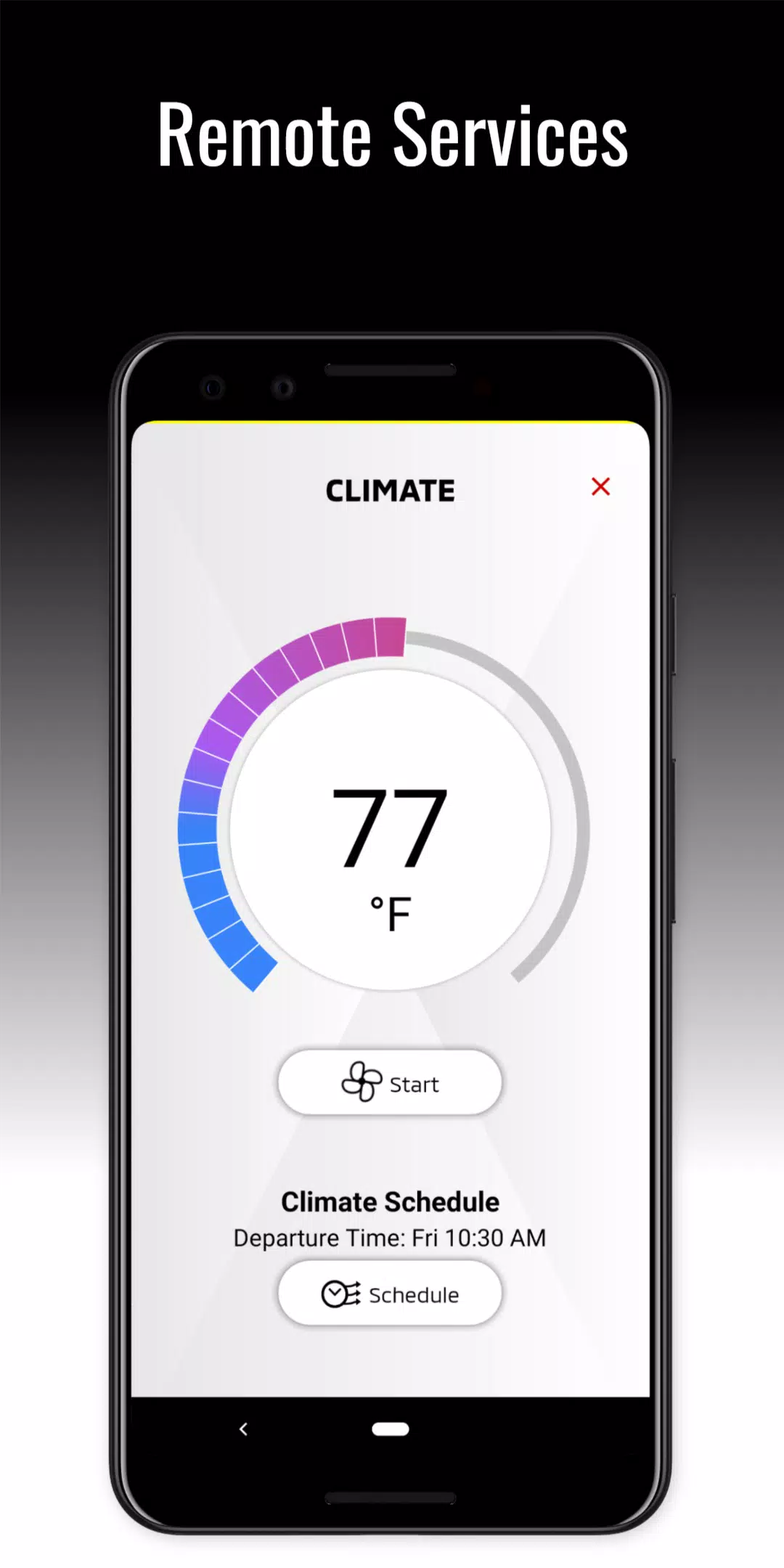
- Remote Start/Stop: Warm up your car in winter or cool it down in summer—before you even step inside.
- Door Lock/Unlock: Lock or unlock your vehicle remotely for peace of mind.
- Horn & Light Flash: Locate your car in a crowded parking lot with a quick horn and light signal.
- Car Finder: Easily locate your vehicle using GPS location tracking.
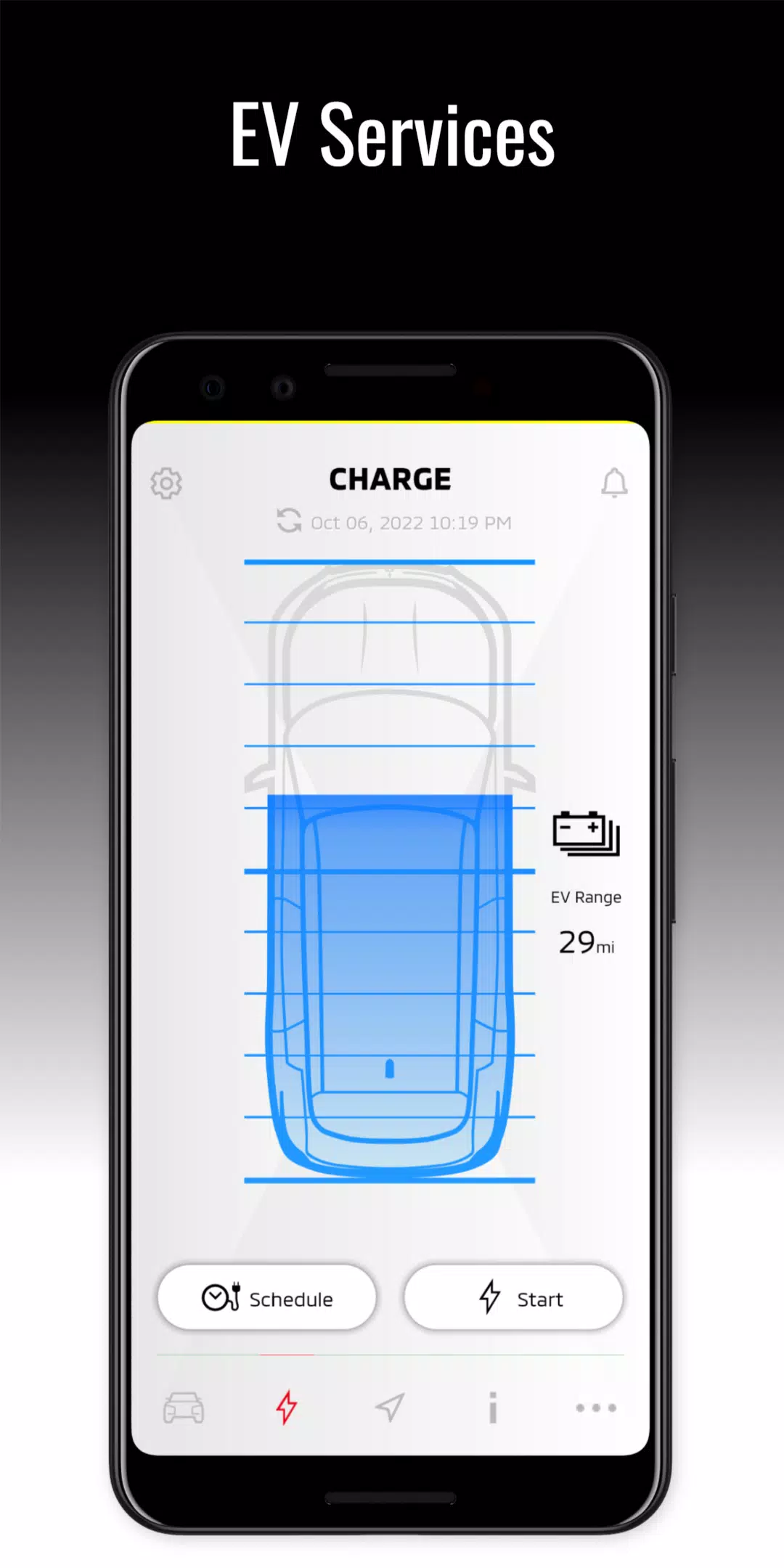
- Charging Management (Outlander PHEV): Monitor charging status, schedule charging times, and adjust settings—all from your phone.
- Parental Controls: Set geofences and receive alerts when your vehicle leaves a designated area (ideal for fleet or teen drivers).
- Dealer Appointment Scheduling: Plan service visits directly through the app.
- Account & Notification Management: Customize alerts and preferences, and manage your profile.
- 24/7 Customer Support: Need help? Contact Mitsubishi Customer Care through the app for assistance with subscriptions, features, or troubleshooting.
📱 App Availability:
Download the My Mitsubishi Connect app today to get started.
✅ Eligible Models:
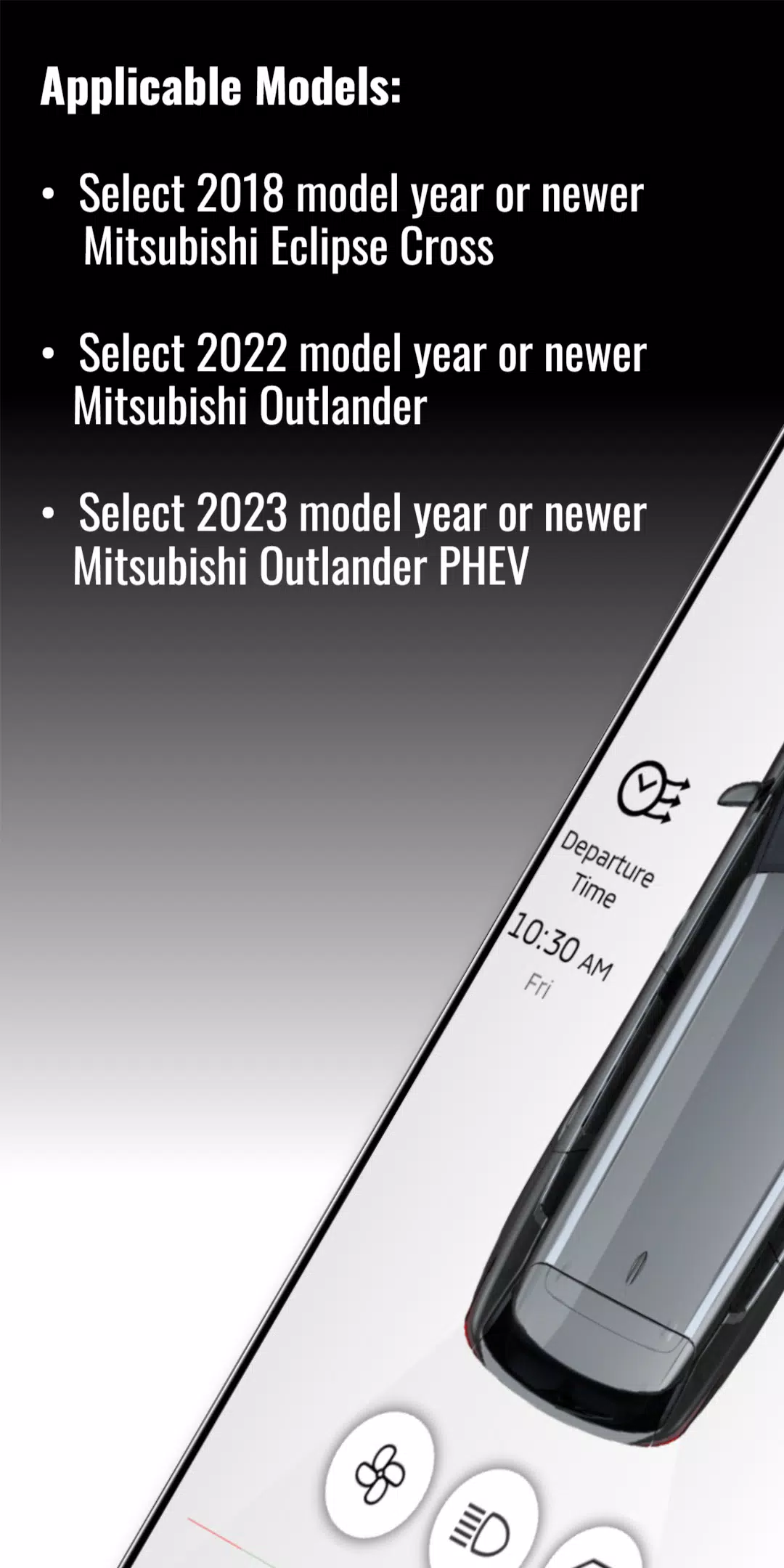
- 2018 or newer – Mitsubishi Eclipse Cross (select trims)
- 2022 or newer – Mitsubishi Outlander (select trims)
- 2023 or newer – Mitsubishi Outlander PHEV (Plug-in Hybrid Electric Vehicle)
⚠️ Important Notes:
- Requires an active Mitsubishi Connect subscription.
- Vehicle must be equipped with a Mitsubishi Telematics Control Unit (TCU).
- Service availability depends on cellular network coverage. Performance may vary in remote or low-signal areas.
📲 Latest Update: Version 2.69.10 (Released October 18, 2024)
We’re continuously improving your experience. This update includes:
- Bug fixes for improved stability and performance.
- Enhanced app responsiveness and user interface refinements.
- Improved reliability for remote commands and real-time vehicle data.
Make sure your app is updated to enjoy the best possible experience.
🔗 Get Started Today
- Download the My Mitsubishi Connect app from the Apple App Store or Google Play.
- Register your vehicle using your VIN and account details.
- Activate your subscription and begin using your connected services.
Stay connected. Stay safe. Drive smarter with Mitsubishi Connect.
For questions about your subscription or service eligibility, contact Mitsubishi Customer Care at 1-800-MITSUBISHI (1-800-648-8274) or visit www.mitsubishicar.com/connect.
Let me know if you’d like a printable PDF version, a social media post, or an email template based on this content!





Lancement de la DLC « Guerre pour l'Humanité » dans Galaxy Frontier 2

Guide des tactiques atypiques pour Free Fire
- Dune : Awakening améliore le désert profond et l'endgame il y a 4 jours
- L'accès anticipé à Jump Space débute le 19 septembre il y a 4 jours
- Le réalisateur de Shazam revient aux commandes du film Until Dawn Il y a 1 semaines
- Le premier bêta fermé de Silver Palace arrive bientôt pour cet ARPG de détective dieselpunk Il y a 1 semaines
- Les candidatures sont ouvertes pour la 12e édition des Pocket Gamer Awards Il y a 2 semaines
- Hero Games va bientôt lancer CrisisX, un jeu d'action de survie en monde ouvert ! Il y a 2 semaines
- La prochaine mise à jour de Disney Dreamlight Valley, prévue pour le début du mois prochain, mettra en vedette Pocahontas Il y a 2 semaines
- Yasha: La Lame du Démon – Date de sortie annoncée Il y a 2 semaines
- Pedro Pascal qualifie JK Rowling de « perdant odieux » pour ses propos transphobes Il y a 2 semaines
-

Bureaux commerciaux / 2.7.5 / by Dickensheet & Associates, Inc. / 50.40M
Télécharger -
Outils / 2.7 / 4.38M
Télécharger -

La photographie / 1.1.4.0 / by Face play Photo Editor & Maker / 123.69M
Télécharger -

Communications / 2.0.0.24 / 59.72M
Télécharger -

Outils / 1.6.0 / by Country VPN LLC / 67.71M
Télécharger -
Outils / 2.1.1 / by Luma Labs / 64 MB
Télécharger -

Personnalisation / 3.420.0 / 10.35M
Télécharger -

Finances / 1.0.2 / by Mckown Global / 22.38M
Télécharger
-
 Deltarune Chapters 3 & 4: Enregistrer les fichiers compatibles avec les prédécesseurs
-
 "GTA 6: Ultimate Guide - version, gameplay, histoire - février 2025"
-
 NBA 2K25 dévoile les mises à jour pour la saison 2025
-
 Débloquez des outils de débogage secrets : accédez aux astuces cachées de Balatro
-
 Goat Simulator 3 Libère la personnalisation ultime avec la mise à jour Shadowy
-
 Uncharted Waters Origins ajoute une nouvelle relation de relation avec Safiye Sultan en juillet à la mise à jour