| An OBD diagnostic scanner for reading and resetting trouble codes and errors. |
| Works with an ELM adapter. |
| Obd Arny is the simplest car scanner that operates using the OBD2 standard. |
| Important Information! |
| \- An ELM327 Bluetooth or Wi-Fi adapter is required to connect to your vehicle. |
| \- Your vehicle must be OBD2 compatible. |
| \- ELM adapter version 2.1 can often be problematic; version 1.5 is the recommended choice if available. |
| Getting Started |
| \- Download the Obd Arny app. |
| \- Turn on Bluetooth. |
| \- Discover your ELM adapter (required for Bluetooth versions). |
| \- Select your adapter in the app's settings. |
| \- Begin scanning your vehicle. That's all it takes! |
| Diagnostic Features |
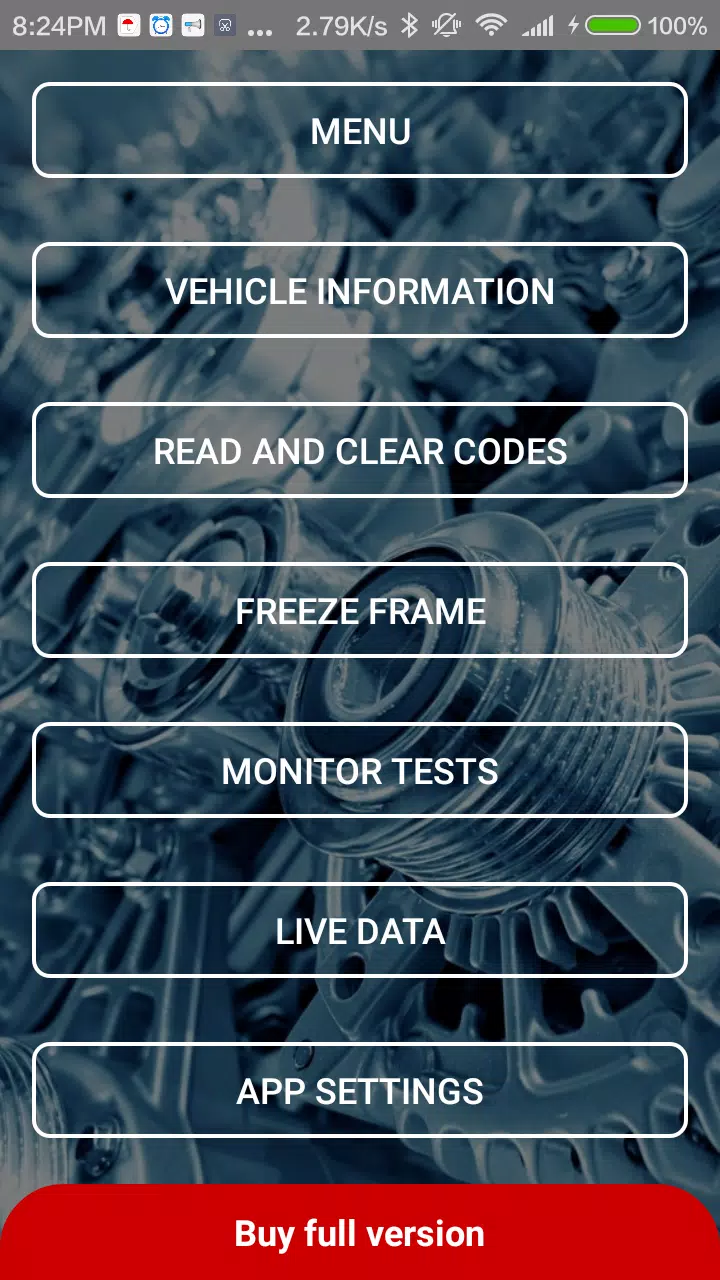
| Perform scanning and diagnostics using the Obd Arny app and an ELM327 Bluetooth/Wi-Fi adapter: |
| \- Read basic OBD2 vehicle information. |
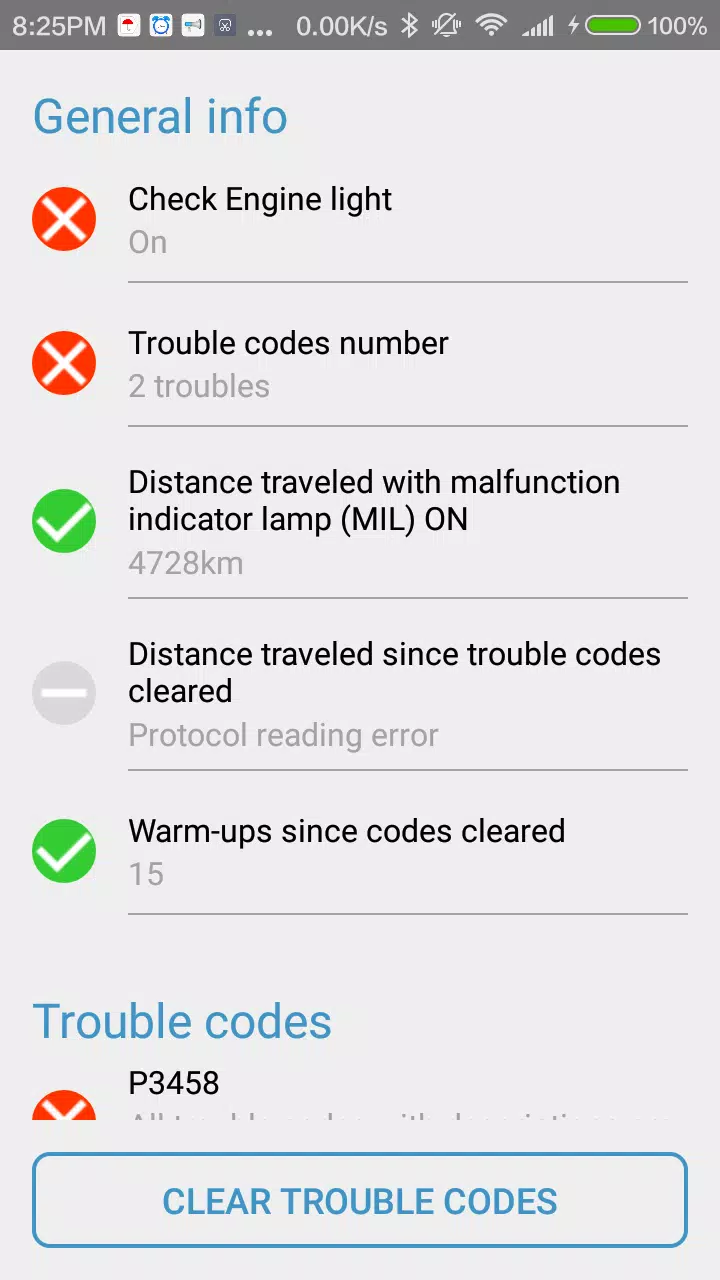
| \- Perform diagnostics, read, and clear trouble codes (DTCs) from the Engine Control Unit (ECU). |
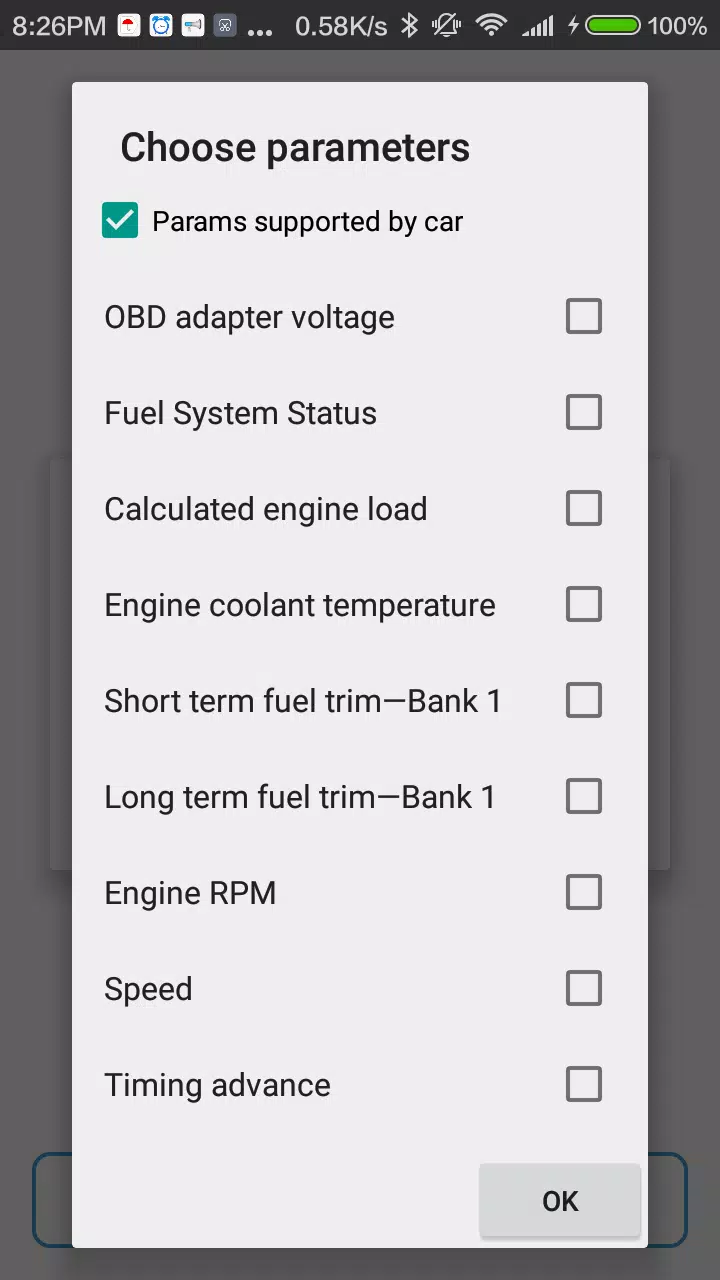
| \- Monitor live data (e.g., speed, RPM, coolant temperature, engine load, fuel trim, fuel/air pressure). |
| To explore the Obd Arny app without scanning a real vehicle, use the demo mode. This doesn't require a physical ELM327 OBD2 adapter. |
| Full Version |
| The free version has limited functionality. Upgrade to the full version of Obd Arny to unlock these premium features: |
| \- Ad-free experience. |
| \- View complete diagnostic trouble codes (hidden with asterisks in the free version). |
| \- Select up to 10 live data parameters simultaneously (vs. 3 in free version). |
| \- Access freeze frame data. |
| Please note: The number of supported live data parameters depends solely on your vehicle, not on the app version. |
| Support Request: Feel free to contact us using the support button within the app's menu, then send your email. |
| ### What's New in the Latest Version 0.157 |
| Last updated on Aug 1, 2024 |
| Updated libraries. Several bugs have been fixed. |


 다운로드
다운로드